Reddit has always been a place where people talk more freely than on most social networks, partly because accounts aren’t tied to real names. But a long public history can still reveal a lot: where you live, what you do for work, your health questions, your hobbies. If you’ve ever scrolled through your own old comments and winced, this guide is for you. Here’s how to make a Reddit profile private, or at least a lot less revealing, and what the limits are.
What strangers can see by default
On a standard account, anyone can visit your profile page and read your posts and comments. They can see which communities you’re active in, how old your account is and your karma totals. Even without a name, a determined person can piece together details. People have been identified by combining small clues: a mention of a local restaurant here, a job reference there.
So the first step is knowing what’s exposed. Open your profile in a private browser window, not logged in, and look at it as a stranger would. That’s the quickest reality check.
Use the profile visibility controls
Reddit has added settings that let you control what appears on your profile. Depending on your app version, you can typically find them in your account or profile settings. The options have included:
- Hiding your posts and comments from the public profile view.
- Choosing whether your profile appears in search results.
- Turning off the display of communities you follow.
- Limiting who can follow you or send chat requests.
Menu names change as the app is updated, so if you can’t find a setting, check the help center or search within settings. The general idea is that hiding content from your profile doesn’t delete it. The posts and comments still exist in the communities where you made them, and people who find them directly can still read them. What changes is that your profile page no longer gives a neat, scrollable history.
Hiding versus deleting
It’s worth being clear about this distinction, since people mix them up.
- Hiding removes content from view on your profile but leaves it in the thread. Good for reducing casual snooping.
- Deleting removes your text from the thread, though a deleted comment may still leave a placeholder showing a reply existed.
- Editing lets you change what the content says before deleting, which some people do to override copies in caches.
For old content you want gone, deletion is the stronger step. Several third-party tools exist to bulk-delete old comments, but be careful about granting access to your account. Only use tools you’ve researched, and review the permissions you give.
Reduce the clues you leave
Privacy settings only go so far. Your own habits matter more. A few worth adopting:
- Use a separate account for sensitive topics. A throwaway account for health, legal or financial questions keeps those away from your main identity.
- Skip identifying details. Avoid specific employers, neighborhoods, school names and unusual personal facts.
- Check your username. If it matches your handle on other sites, people can link your accounts.
- Watch your images. Photos can carry location data and show landmarks, street signs or reflections.
- Vary your writing. Matching distinctive phrases across platforms can reveal that two accounts belong to one person.
Account-level safety
Privacy and security go together. Use a strong, unique password and turn on two-factor authentication. Review the email address attached to your account, since a hacked email is an easy path into Reddit. Also check connected apps and revoke any you no longer use.
Moderators and communities
If you moderate communities, your username is publicly listed in them, which is one more route to your profile. Some moderators use dedicated accounts for this reason. If you’re facing harassment, report it, block the user and consider tightening your settings for who can message you.
What privacy won’t do
Be realistic. Reddit itself can see your account data. Content may have been archived by third parties or scraped by data collectors before you hid it. And anything you posted publicly could have been quoted or screenshotted. Making your profile private reduces exposure going forward and limits casual browsing, but it can’t erase everything that’s already out there.
A quick checklist
Look at your profile logged out. Apply the visibility settings available to you. Delete the old posts you regret. Tighten two-factor and email security. And decide what kind of details you’re willing to share going forward. Ten minutes spent on this can save a lot of awkwardness later, and it lets you keep using the site the way it works best, talking openly about what you care about without handing over your whole life story.
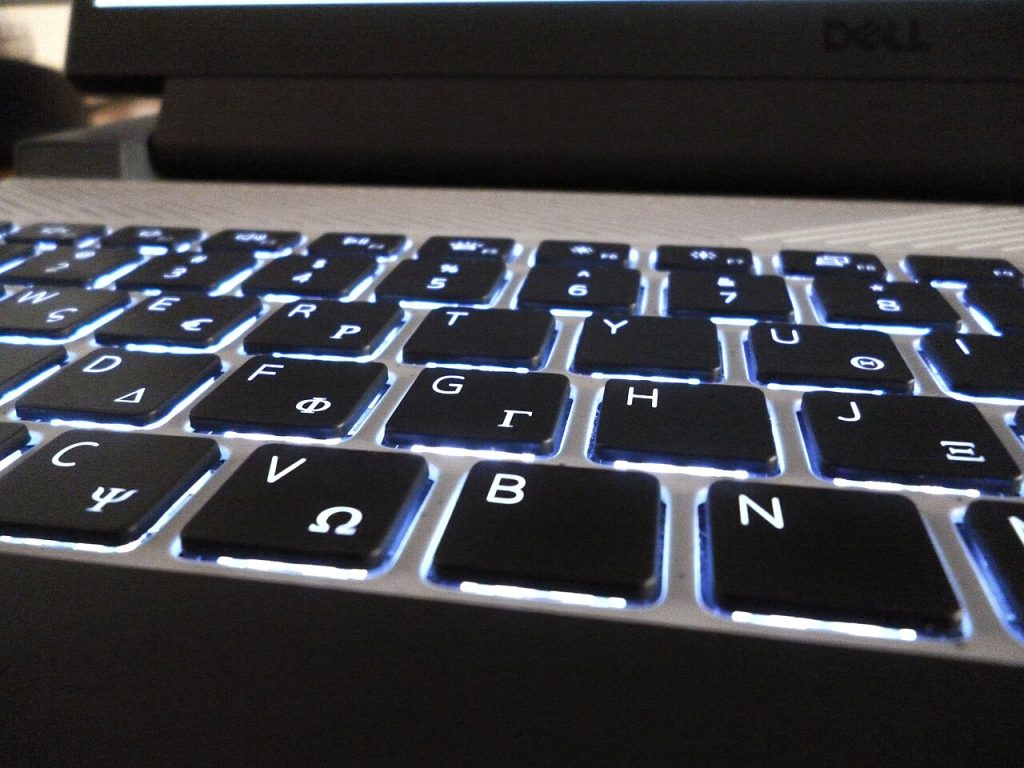
Featured image: Backlit Laptop Keyboard.jpg by Gre123gr, CC0, via Wikimedia Commons.