A password alone is a thin lock. People reuse them, type them into fake login pages and leave them in breached databases for years. Two-factor authentication adds a second check, and for social account security, where the accounts hold little money but a lot of identity, it is the difference between a minor scare and weeks of cleaning up impersonation.
What the second factor adds to social account security
The idea is simple: to sign in, you need something you know, your password, and something you have, such as your phone or a hardware key. A thief with only the password hits a wall. This matters because most account takeovers don’t involve sophisticated hacking. They involve stolen or guessed passwords being tried on many sites.
The three common methods, ranked
Text message codes. The service sends a six-digit code to your number. It’s easy and better than nothing. The weakness is that phone numbers can be hijacked through SIM-swap fraud, where someone persuades a carrier to move your number to their device. Messages can also be intercepted in some circumstances, and codes can arrive late when you travel.
Authenticator apps. An app on your phone generates codes that change every thirty seconds or so. They work offline, aren’t tied to your phone number, and are much harder to hijack remotely. For most people this is the best balance of security and convenience.
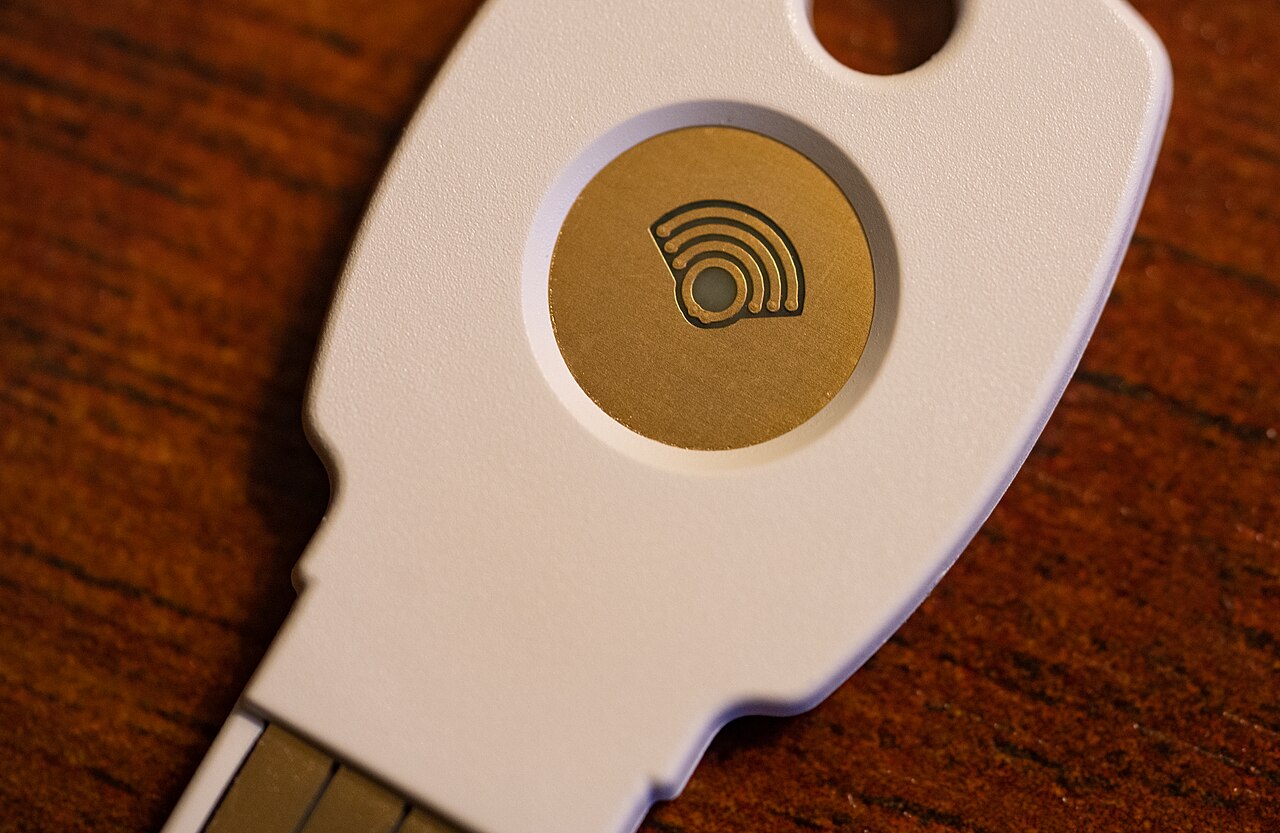
Security keys. A small physical device, which you plug in or tap against your phone. Because the key checks the website’s real address before responding, it resists phishing in a way that typed codes do not. It is the strongest option, but it costs money and you must keep a spare.
Phishing still beats weak codes
A fake login page can ask for your password and then your code, passing both to the real site in seconds. That means even app-based codes can be stolen by a convincing trick. The habit that helps is to go to the service by typing its address or using its app, not by clicking a link in a message that claims your account has a problem. Security keys and passkeys avoid the problem technically, which is why many experts push them.
Setting up social account security without locking yourself out
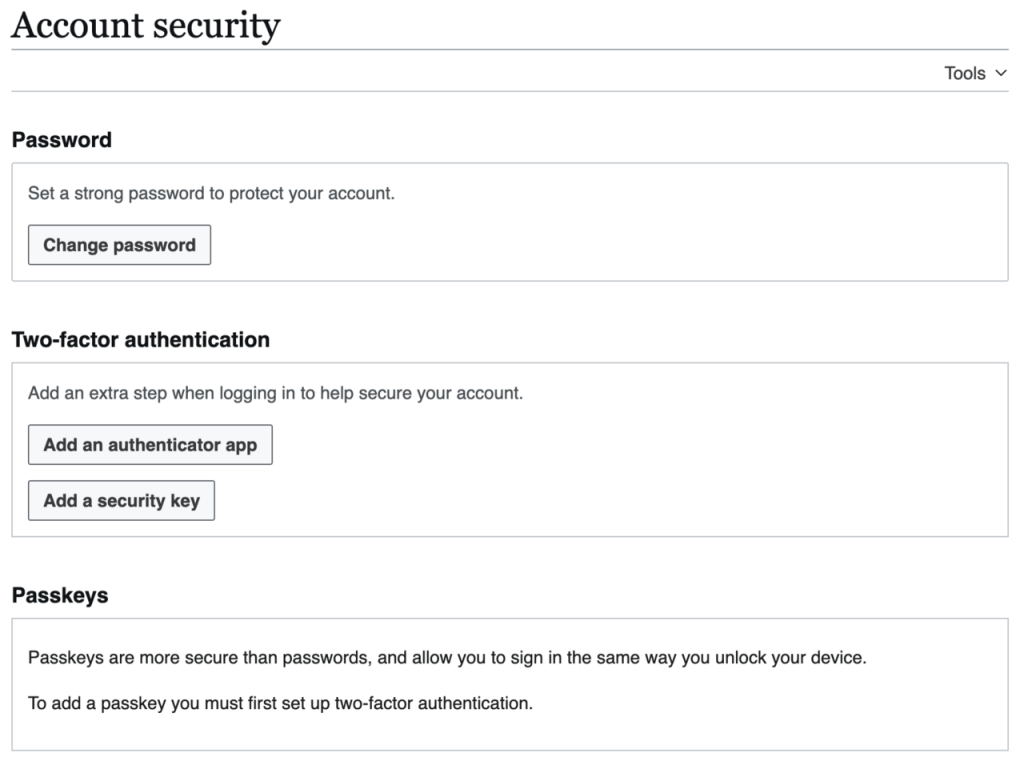
- Open the security or account settings in the app and look for the two-factor option.
- Choose an authenticator app if offered. Scan the setup code, then enter the code it produces to confirm.
- Save the backup codes the service shows. Print them or store them in a password manager, not in your email inbox.
- Add a second method, such as a security key or a text message to a number you keep, so losing one device doesn’t end your access.
- Check that the recovery email on the account is one you control and protect with its own two-factor.
Phone changes are where people get stuck
Authenticator apps tie codes to a device. Before you switch phones, move the accounts over using the app’s transfer or backup feature, or turn off two-factor temporarily and re-enable it on the new phone. Skipping this step is the most frequent reason people end up locked out. Backup codes are the safety net, so test that you can find them.
Consider how a real takeover unfolds. Someone reuses one password on a forum that later leaks it. An attacker tries that password on a popular social site, gets in, and starts messaging the person’s contacts with a link or a request for money. Friends trust the message because it comes from a familiar name. Strong social account security stops that chain at the first step, because a leaked password alone is no longer enough.
Think too about accounts that connect to each other. If your social login is tied to an email address, whoever controls the email can reset the profile, so secure the email first, then the social profiles, then anything linked to them. Business systems have the same weak spot: machine identities are credentials nobody watches until they are abused. If something does go wrong, what companies must tell you after a breach explains what to expect. For a plain definition, see Wikipedia’s page on multi-factor authentication.
Other social account security habits worth having
Use a different password for every account, which a password manager makes painless. Review the list of logged-in devices every so often and sign out those you don’t recognize. Be suspicious of any message with a code you didn’t request, since it may mean someone is trying to get in. Never read a code aloud to a caller or send it to someone who asks, however official they sound. Legitimate support teams do not need it.
If you do only one thing for social account security today, switch from texts to an authenticator app on the account you would hate to lose, and save the backup codes somewhere safe. It takes about five minutes.
Good social account security is mostly a few dull habits repeated: a unique password, an authenticator app, saved backup codes and a skeptical eye on messages. None of it is hard, and strong social account security protects your friends as much as you, since a hijacked profile is used to reach them first.
Image: Wikimedia Foundation / Wikimedia Commons, CC BY-SA 4.0.