
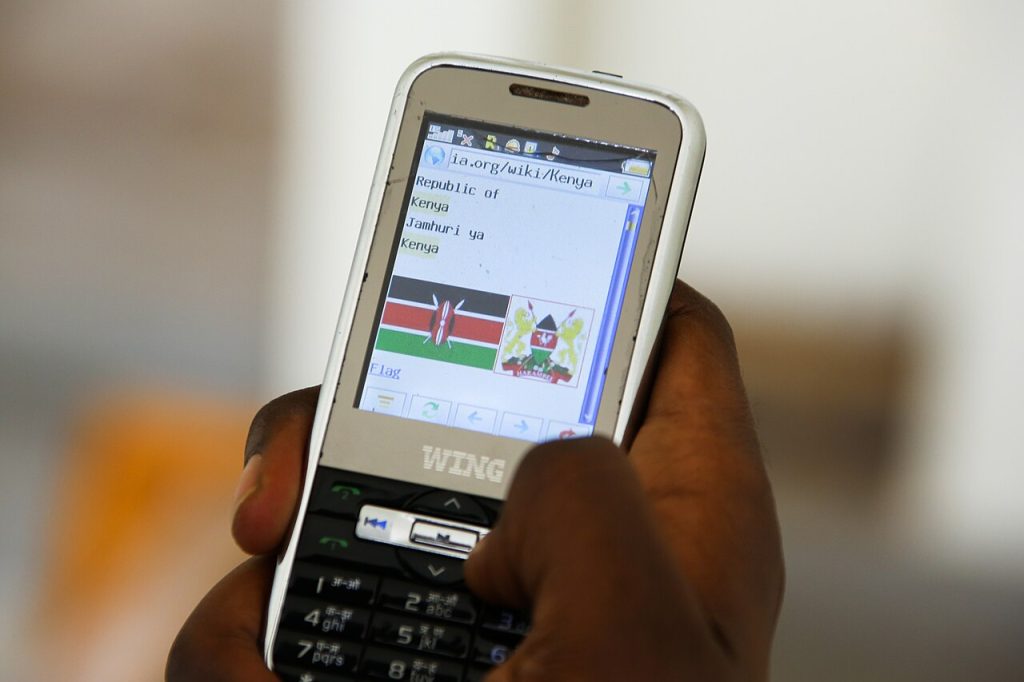
There’s a small movement of people who want a phone that does less. They’re tired of notifications and endless scrolling, but they can’t quite let go of one thing: the messaging app their family and coworkers use. If that’s you, the practical question is whether WhatsApp on a dumbphone is realistic, and the honest answer is that some can, with caveats.
Why WhatsApp on a dumbphone isn’t simple
Messaging apps need an operating system that can install and run them. Classic feature phones used locked-down software where apps came from the maker, not from a store. Newer simple phones often run a lightweight system built from the same foundations as smartphones, or a stripped-down version of Android, which is what allows an app store or an installed messaging client to work.
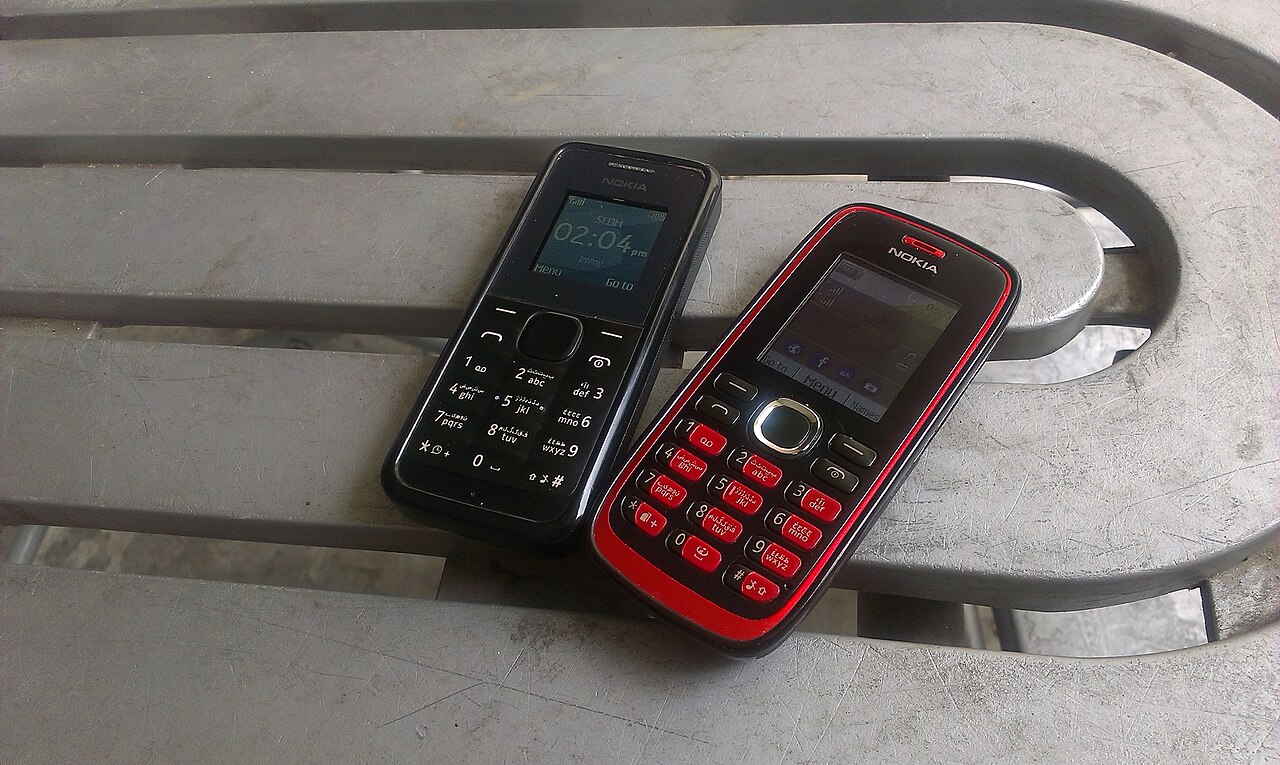
So the first thing to check is the software, not the keypad. A phone can look old-fashioned and still run a capable system inside. Another may look modern and be closed to outside apps entirely.
The main types of simple phone
Keypad phones with a smart operating system
These pair buttons with a small screen and a light version of an app platform. Some have a curated app store with a handful of messaging choices. They tend to be the easiest route to messaging on a basic device. Expect a small screen, limited memory and slower performance than a normal phone.
Minimal touchscreen phones
Some devices deliberately strip down Android with custom launchers that hide the usual app clutter. They look sparse, but because the underlying system is full, they can usually install what you want. The discipline then comes from you, since the apps are still available if you add them.
Traditional feature phones
These are the classic flip and candy-bar models. They make calls and texts, and some support limited web services. Messaging apps are unlikely unless the maker has built a special version. Check the specifications carefully before assuming.
What to expect from WhatsApp on a dumbphone
- Typing is slower with a numeric keypad, even with predictive text
- Photos and video are small and low quality on tiny screens and basic cameras
- Group chats can overwhelm a device with limited memory
- Voice and video calls depend on both the hardware and the app version
- Notifications can be louder than you’d like, so adjust them right away
Pay attention to how the app is linked to your account. Messaging apps usually tie to a phone number and use it to verify you. Moving to a new device means re-registering and sometimes losing chat history unless you’ve set up a backup first. Do this before switching.
Begin by asking what you actually need from WhatsApp on a dumbphone. If it’s calls, texts and a few messages with family, a basic phone may be enough, and the best option is often the most basic one. If your job or community lives in group chats, you may want something closer to a smartphone with the extras removed.
- Confirm the exact messaging app is supported on that specific model, not just on the brand
- Look at software update promises, because old software gets less secure
- Check battery life, which should be the main reward for choosing simple hardware
- Make sure your carrier’s network bands are supported
- Read the return policy so you can back out if the experience is frustrating
Take a realistic example. Someone leaves a smartphone at home and carries a keypad phone with an app store on a weekend trip. Their family group chat works, and they can read and send text. But they can’t comfortably view the photos everyone posts, and voice notes can strain the small battery. That is the usual pattern with WhatsApp on a dumbphone: the core message flow works, while media and calls feel cramped.
Account rules matter, too. The service generally ties your account to a phone number and may limit how many devices you can link at once. If you plan to keep your old smartphone as a backup, check how the linking works so that one device doesn’t log the other out unexpectedly. If you end up wanting a bigger screen for longer messages, see whether the M2 MacBook Air is still worth buying or how to decide between a budget laptop and a Chromebook.
Security still matters
A simpler phone is not automatically a safer one. A device that stops getting updates can become vulnerable, especially if it connects to the web. For WhatsApp on a dumbphone, install apps only from the official source for that device, and avoid downloading files from unknown places just to get a messaging app working. Turn on two-step verification in the messaging app so your account is protected even if someone gets your number.
The trade you’re making with WhatsApp on a dumbphone
Putting WhatsApp on a dumbphone isn’t about perfect purity. It’s about deciding which conveniences earn a spot in your pocket. Keep messaging if you must, and let go of the rest. Many people who try this find the reduced temptation matters more than the missing features, and they get through their day with fewer glances at a screen. Try it for a month, keep your old phone in a drawer as a backup, and you’ll learn quickly if it suits you.
Image: Raidarmax / Wikimedia Commons, CC BY-SA 3.0.



