The slide is always the same: a bar chart, one bar taller than the rest, and the words “all-day battery” in large type. I have watched enough launches to stop trusting that slide and start trusting a short checklist instead. Phone battery life changes how a device feels to live with more than almost any other spec, so it deserves a careful read.
What a capacity number says about phone battery life
Capacity is usually quoted in milliamp-hours (mAh), sometimes in watt-hours (Wh). Bigger is better, all else being equal, and all else is never equal. A phone with a 5,000 mAh cell and a power-hungry processor can easily be outlasted by a 4,000 mAh phone with an efficient chip and well-tuned software.
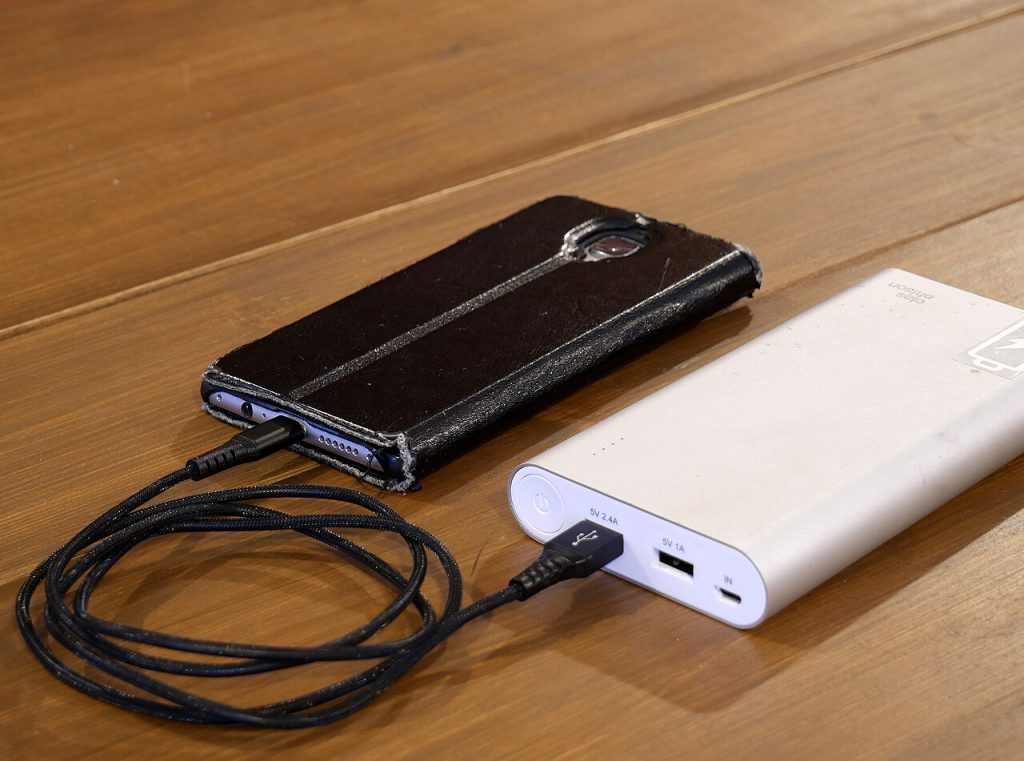
Two things sit behind the number. The first is the screen, usually the biggest single drain. Brightness, resolution and whether the display can slow its refresh rate when nothing is moving all matter. The second is the chip, because processors differ a lot in how much energy they burn on ordinary jobs like scrolling a feed.
If a spec sheet offers watt-hours, prefer that figure when comparing brands. Milliamp-hours depend on voltage, so two cells with the same mAh rating can hold different amounts of energy.
Why “up to 30 hours of video” is a narrow claim
Video playback is the friendliest test a manufacturer can run. The brightness is fixed, the radio is quiet, the processor barely works, and nothing interrupts. It is a real measurement. It is just not your Tuesday.
Your day probably includes maps, a camera session, a patchy signal on the train and plenty of screen time in bright light. Each one pulls the figure down. Treat the marketing number as a ceiling for phone battery life, and expect noticeably less in mixed use. That is a rule of thumb rather than science, but it matches what most reviewers report.
Here is a simple way to test it yourself. In the first week with any new phone, note the battery percentage when you unplug it in the morning, and again at bedtime. Check the screen-on time in settings. A phone that reaches bedtime with 30 percent left after five hours of screen time is a very different animal from one that needs a top-up at 4 pm.
Charging speed is half the story
A phone that goes from empty to half in about twenty minutes can feel like it has better phone battery life than it does. If you top up at your desk and in the car, fast charging helps more than an extra few hundred mAh.
Read the fine print on the box, though. Some phones ship without a charger, and some need a specific adapter to reach the advertised wattage. Wireless charging is convenient but almost always slower than a cable, and it produces more heat.
Heat is the trade-off. Pushing a lot of power into a lithium-ion cell warms it, and warmth ages batteries. Well-designed phones charge fast at first and taper off as the cell fills, so most people never notice a problem. If you plan to keep a phone for four or five years, a modest charger overnight with an optimized-charging setting is the gentler route. Many phones now offer a cap at 80 percent for exactly this reason. For background on how these cells work, see this overview of the lithium-ion battery.
Battery health over time
A new battery is the best it will ever be, and phone battery life only declines from there. Typical phone cells are designed to hold roughly 80 percent of their original capacity after several hundred full charge cycles, which for most people means a couple of years of daily use. After that, the “all-day” phone slowly becomes a “get-me-to-dinner” phone.
That is why replaceability matters. Before buying, find out what a battery swap costs and whether the maker or an authorized shop will do it. A phone with a slightly smaller battery and a cheap, easy replacement can be the better long-term buy than a larger sealed one.
Some habits genuinely improve phone battery life, and most of the viral tips do not. Let the brightness adapt or turn it down, use Wi-Fi where you can because a weak cellular signal makes the radio work harder, and look at your settings to see which apps drain the most power in the background. Skip the habit of force-quitting apps all day. Reopening them from scratch often costs more energy than leaving them suspended.
One more thing worth checking is how the battery behaves when you are not using the phone at all. Standby drain is the quiet culprit in poor phone battery life, the kind where a phone loses fifteen percent overnight. A review that mentions overnight loss tells you more about everyday life than any headline hour count.
What I would tell a friend
Before you buy, ask three things about phone battery life. Has someone I trust tested this phone with a mix of browsing, video, calls and maps? Does the charging speed fit my routine, and is the charger actually in the box? And what happens to the battery after year two?
Bigger cells are welcome, and some of the largest-battery phones are excellent endurance machines. But capacity is only one input into real phone battery life, and a launch-day bar chart is the least reliable place to read about the rest.
The best battery is the one that gets you to bedtime with something left over and does not send you hunting for a charger at lunch. Judge phones on that, and the marketing slides matter a lot less.
Related reading: Smart Rings Explained: What They Track and Where They Fall Short and Portable Battery Power: Can It Replace the Diesel Generator?.
Photos: LG전자 (CC BY 2.0, Wikimedia Commons); Santeri Viinamäki (CC BY-SA 4.0, Wikimedia Commons).