
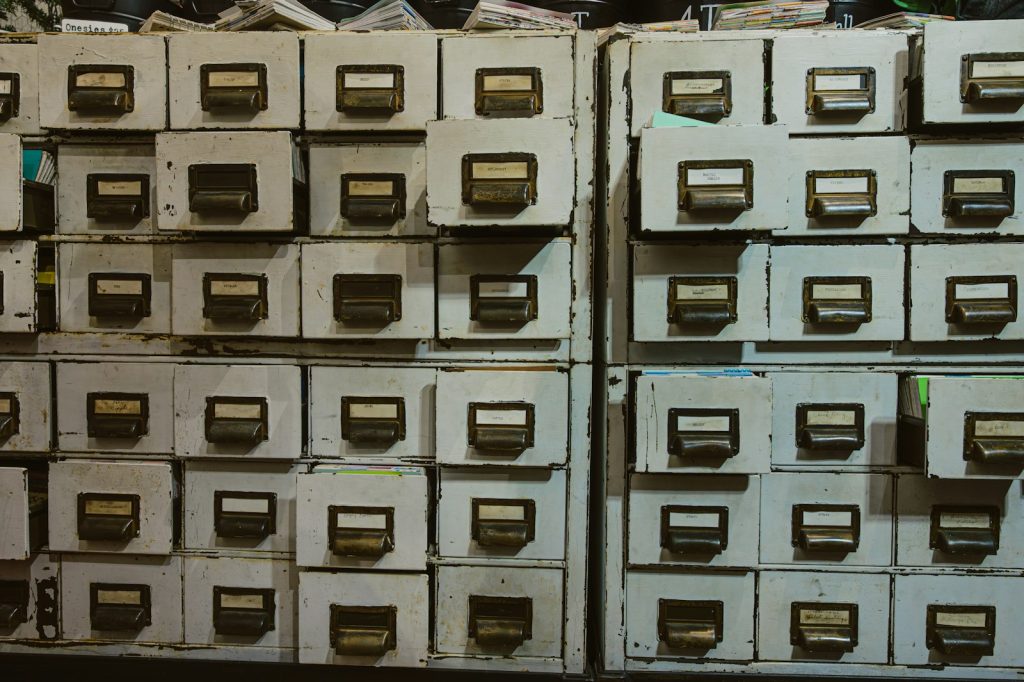
Open a filing cabinet in almost any small office and you will find the same thing: folders nobody has touched in years, three copies of the same contract and one sheet you desperately need that is somehow missing. Going paperless is the obvious fix, and also one that stalls for months because it feels like a giant project. It does not have to be. A paperless small office can be built in stages, with a few firm decisions and a modest budget. Here is a practical plan.
What a paperless small office really means
The paperless office is an old idea, and almost no one reaches zero paper. A realistic goal for a paperless small office is simpler: new documents live digitally, old ones are scanned when needed and paper is kept only when the law or common sense says so.
Start with a short list of why you want it. Faster searching, remote access, less storage space, easier sharing and better backups are the usual reasons. Pick the top two. They will guide every choice that follows, from scanner to folder names. A paperless small office built for remote access, for example, will care more about cloud sharing than about shelf space.
Step one: sort what you have
Every paperless small office starts with a pile, and the pile is usually smaller than it looks once you stop treating it as one lump.
Before buying a scanner, look through the paper. Sort it into three piles.
- Keep on paper. Originals that must remain physical, such as signed deeds, certain licences or legal originals. Check local rules, and ask your accountant or lawyer when unsure.
- Scan and keep. Current contracts, active client files, invoices and tax records you need to retrieve.
- Shred. Everything that is past its retention period, duplicated or never needed again.
Retention periods differ by country and document type, so verify them rather than guessing. This sorting alone usually shrinks the mountain by half.
Step two: choose simple tools
You need three things: a way to capture, a place to store and a way to find.
Capture
A desktop document scanner with an automatic feeder handles stacks quickly. For odd pages and receipts, a phone scanning app is often enough. Choose a standard format, usually PDF, so files open anywhere.

Storage
Budget is rarely the obstacle. A good scanner, a cloud plan and a shredder cost far less than a year of rented storage space. Cloud storage suits most small teams because it handles access and backup. Keep one clear structure, for example folders by client or project, then year, then document type. If you use a cloud service, plan for the day it is down, as we outline in a cloud storage outage survival plan.
Finding things
Search is what makes a paperless small office worth the effort. Use text recognition (OCR) when scanning so documents become searchable, and agree on a naming rule such as date, client and short description. A file called “scan0042” is as lost as a paper in the wrong drawer.
Step three: build habits
Tools are the easy part. A paperless small office lives or dies on small, repeated actions.
- Scan at the door. Mail and receipts get scanned the day they arrive, then shredded or filed.
- One home per document. No duplicate copies scattered across desktops and email.
- Standard names and folders. Write the rule on one page and share it.
- Weekly tidy. Fifteen minutes on Friday prevents a pile from forming.
- Digital signatures where valid. Check that they are accepted for the document type in your area.
Protect what you digitize
Moving to a paperless small office swaps one risk for another. Paper can burn or be lost, but files can be deleted, hacked or locked by a failed subscription. Use strong passwords with two-step verification, give each person access only to what they need and keep at least one backup separate from your main storage. Test restoring a file occasionally, because an untested backup is a hope, not a plan.
Think too about sensitive documents with personal data, which need the most care in any paperless small office. Encrypt laptops and external drives, and securely delete files you no longer need. If you change tools later, our migration playbook for switching apps explains how to move your files without losing anything.
Keep a paperless small office from stalling
The usual reasons paperless projects fail are all human. Someone insists on printing everything, scanning is nobody’s job or the folder structure is so elaborate that people ignore it. Assign an owner, set a start date for “digital only” for new documents and be patient with the backlog. Scan the archive gradually, perhaps a box a week, or only when a file is needed.
What success looks like
You find a contract in ten seconds. Two people can work from different places on the same file. The cabinet that used to fill a corner is gone, or half empty. You do not need to be perfect, and you do not need to finish in a month. A paperless small office is the one where paper stops growing, and everything important can be found, shared and recovered without anyone digging through a drawer.



