Many small companies start buying office supplies on a personal shopping account, then wonder why accounting is a mess. That’s the problem Amazon Business is designed to fix. It’s the company’s purchasing platform for organisations, and it works very differently from a personal account. Whether it suits you depends on what and how much you buy.

One quick note: your search might have been “amazonb”, which can mean different things. This guide assumes you mean Amazon Business, the company’s marketplace for organisations.
What Amazon Business is
Amazon Business is the version of the Amazon marketplace built for companies, schools, non-profits and government bodies. Launched in 2015, it lets teams buy products with features aimed at managing spend: multiple users under one account, approval workflows, shared payment methods and business-specific reporting. You still shop on the same giant catalogue, but with tools for control and record-keeping.
Features worth knowing about
Multi-user accounts and approvals
Instead of everybody using one login, an administrator creates users, assigns roles and sets spending limits. A purchase above a certain amount can be routed to a manager first. That alone prevents a lot of “who bought this?” conversations.
Business pricing and quantity discounts
Some listings show business-only prices or discounts for ordering in bulk. These vary by seller and product, so don’t assume every item is cheaper. Compare the final price, including shipping, against other suppliers.
Tax and invoicing tools
Accounts can store tax-exemption information where it applies, and you can download invoices and reports for bookkeeping. Rules vary by country and organisation type, so confirm with your accountant before you rely on it.
Payment options
Depending on your location and eligibility, you may be able to use options such as invoicing or business credit. Check current terms in your account because offers and availability change.
Where Amazon Business falls short
- Price isn’t automatically best. Specialist suppliers can beat it on industrial or niche items. Compare before you commit.
- Seller quality varies. Many items are shipped by third-party sellers, so check ratings and return policies, especially for expensive equipment.
- Convenience can hide overspending. One-click ordering makes small purchases invisible unless you actively review reports.
- Lock-in risk. The more of your purchasing sits in one platform, the harder it is to negotiate or switch.
How to set it up sensibly
- Create a business account with a shared company email, not a personal one, so access survives staff changes.
- Assign an administrator and at least one backup.
- Define spending limits and an approval rule for larger orders.
- Connect a company payment method and turn on invoice downloads for your accountant.
- Review the monthly spend report and look for items you buy repeatedly. Those are candidates for a bulk deal or a direct supplier.
If you sell on Amazon too
Buying and selling are separate sides of the platform. If your company also sells through the marketplace, our guide to tools for marketplace sellers covers the seller side, and it’s worth keeping the two accounts clearly separated for accounting. Large retailers are also experimenting with automation in their warehouses, which is the subject of our piece on Amazon’s bots, robots and human work.
Quick answers about Amazon Business
Is Amazon Business free?
A basic business account has been offered without a fee, with optional paid memberships for extra features. Check current terms before signing up.
Can I use my personal account?
You can, but mixing personal and company purchases makes bookkeeping messy and complicates tax records. A separate business account is cleaner.
Is it only for big companies?
No. Small teams and freelancers use it too. The benefits grow with the number of buyers and the volume of orders.
Pitfalls to avoid in your first month
Don’t invite every employee on day one; start with a small group and add people as you test the rules. Check the default shipping and return settings, so staff don’t accidentally order from sellers with poor return terms. Save frequently bought items in shared lists so that people reorder the same approved product. And review the first month’s report with whoever approves budgets, because the first report almost always reveals a surprise, such as many small orders that could be consolidated into one bulk purchase.
Is it right for you?
Amazon Business tends to help most when you have several people ordering many small items such as supplies, cables and equipment, and you want controls and clean records. It helps less if your main purchases are specialised or high-value, where direct supplier relationships win. Try it with a small budget for a couple of months and compare it with your current costs. The official overview is at business.amazon.com.
Used sensibly, Amazon Business can simplify purchasing and bookkeeping at the same time. Whether Amazon Business is the right fit depends on your volume, so test it with a small budget first and compare the results with your current suppliers.
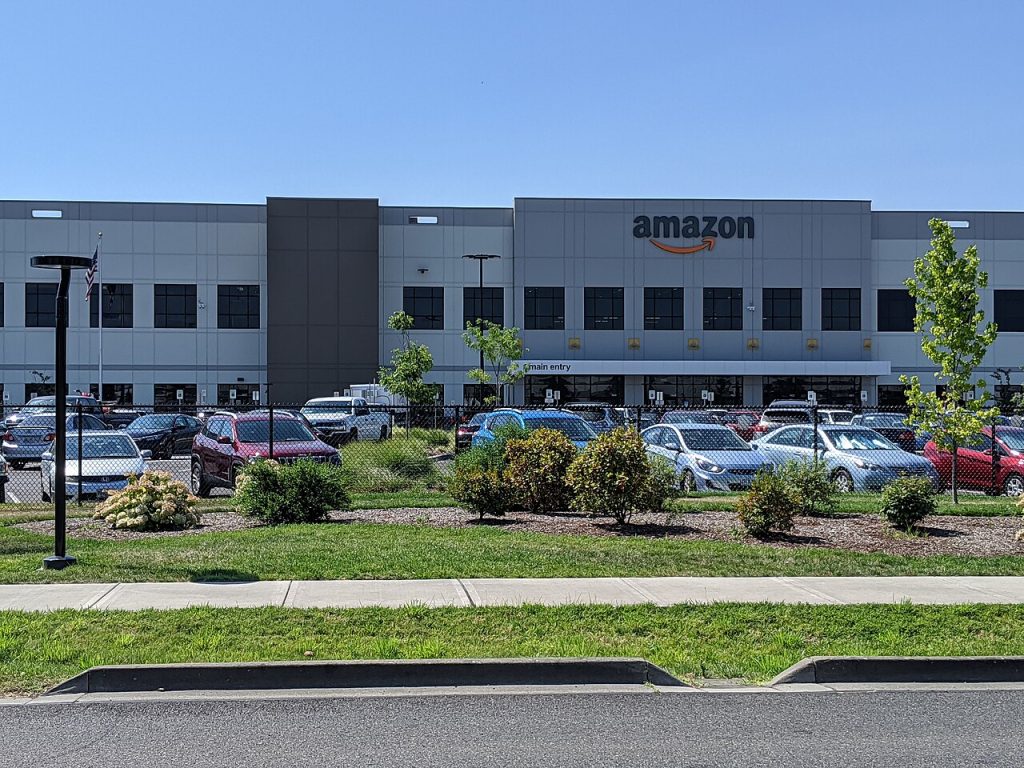
Featured image: Amazon fulfillment center – Troutdale Oregon.jpg by Tedder, CC BY-SA 4.0, via Wikimedia Commons.