You type an address, press enter, and a page appears in less than a second. It feels instant and a bit magical, but the internet isn’t a single thing. It’s thousands of independent networks that agree on shared rules for passing data along. Understanding that one idea makes everything from slow Wi-Fi to outages much less mysterious.

Here’s a plain-language tour of what happens between your click and the page on your screen.
The internet is a network of networks
No company owns the whole thing. Your home network connects to an internet service provider, or ISP, which connects to larger networks, which connect to others. Universities, cloud providers, content companies and telecoms all run their own pieces and exchange traffic where those pieces meet. The agreement that makes this work is a set of standard protocols, the most important being TCP/IP, which defines how data is split into packets, addressed and reassembled at the other end.
It’s worth separating two terms people mix up. The internet is the network infrastructure. The web is one service that runs on top of it, using browsers and web servers. Email, video calls and online games use the same infrastructure but aren’t “the web”.
What happens when you press enter
Step 1: finding the address
Computers locate each other with numbers called IP addresses, but humans prefer names. The Domain Name System, or DNS, is the phone book that translates a name such as example.com into an address. Your device asks a DNS resolver, usually run by your ISP or a public provider, and gets an answer in a few milliseconds, often from a cache.
Step 2: breaking things into packets
Your request is split into small packets, each labelled with where it came from and where it’s going. Packets from the same request can travel different paths, because routers along the way pick the best route at that moment. At the destination they’re reassembled in order.
Step 3: the journey
The packets pass through your router, then your ISP’s network, then possibly several other networks. Much of the long-distance part travels as pulses of light through fibre-optic cables, including cables laid across oceans. Satellite links carry some traffic too, mainly where cables are impractical, a topic we touched on in our look at satellite internet and regulatory delays.
Step 4: the server answers
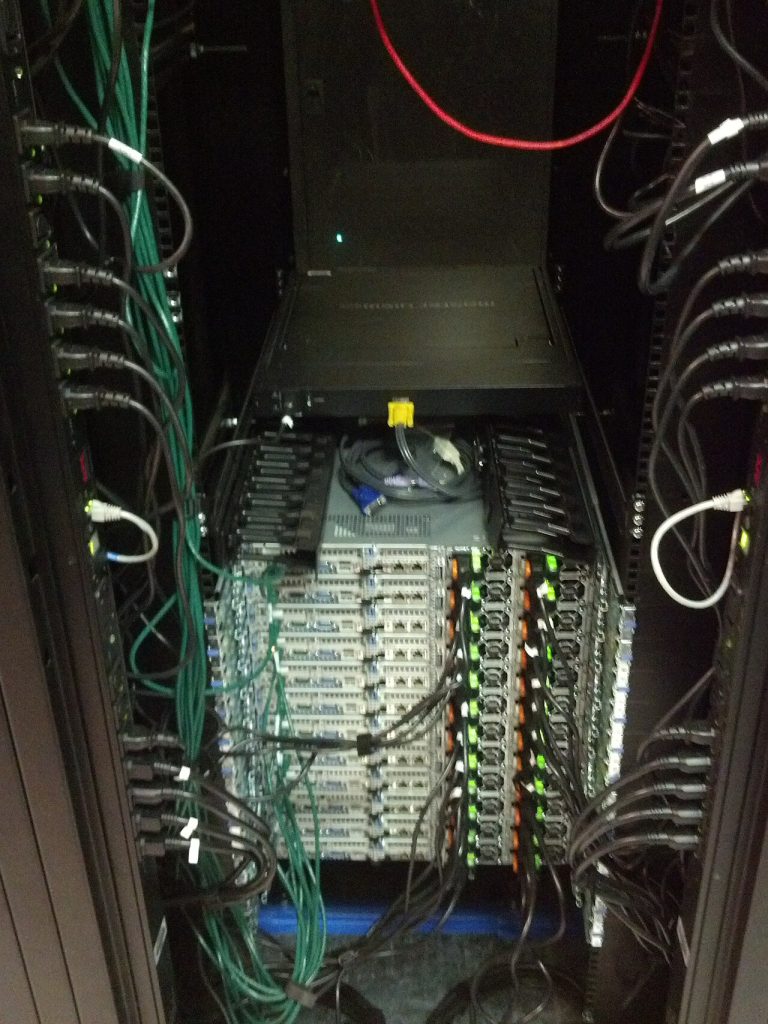
A web server receives your request and sends back the page’s code, images and other files. Large sites don’t serve everything from one place. They use content delivery networks that keep copies of files in many cities, so the data travels a shorter distance to reach you.
Step 5: your browser builds the page
Your browser receives the files and assembles them into the page you see. Modern pages can involve dozens of separate requests, which is why one slow image or script can make an otherwise quick site feel sluggish.
Why the internet sometimes feels slow
People tend to blame their plan’s speed, but several things affect what you experience:
- Bandwidth is how much data you can move per second. It matters for large downloads and several people streaming at once.
- Latency is the delay for a signal to go there and back. It matters more for video calls and gaming than for reading an article.
- Wi-Fi quality. Walls, distance and crowded channels often cause problems that have nothing to do with your ISP.
- The server end. If a site is overloaded, no amount of home bandwidth fixes it.
If everything is slow, test with a cable connected to the router. If it’s fast on the cable, your Wi-Fi is the bottleneck, not your plan.
Why a failure in one place spreads
Because so many services depend on a handful of providers for hosting, DNS and security, one fault can ripple widely. That’s why a single misconfiguration or outage at a large provider can knock many unrelated sites offline at once. We explain the mechanics in why internet security incidents cascade.
Quick answers about the internet
Is the internet the same as the web?
No. The internet is the network infrastructure. The web is one service that runs on it, alongside email, messaging, streaming and online games.
Who runs the internet?
No single organisation does. Thousands of networks run their own parts, and standards bodies and registries coordinate shared rules, such as how names and addresses are assigned.
Why do I need a router and a modem?
A modem connects your home to your provider’s network, while a router shares that connection among your devices and manages the local network. Many providers combine both in one box.
What to remember
The internet works because independent networks follow shared rules, not because anyone runs it from a control room. Your click becomes a DNS lookup, then packets, then light in a cable, then a server’s reply, then a page, usually in less time than it takes to blink. For a deeper history and technical overview, the Wikipedia article on the internet is a good starting point.
Featured image: Optical fiber cable-01ASD.jpg by Asurnipal, CC BY-SA 4.0, via Wikimedia Commons.