
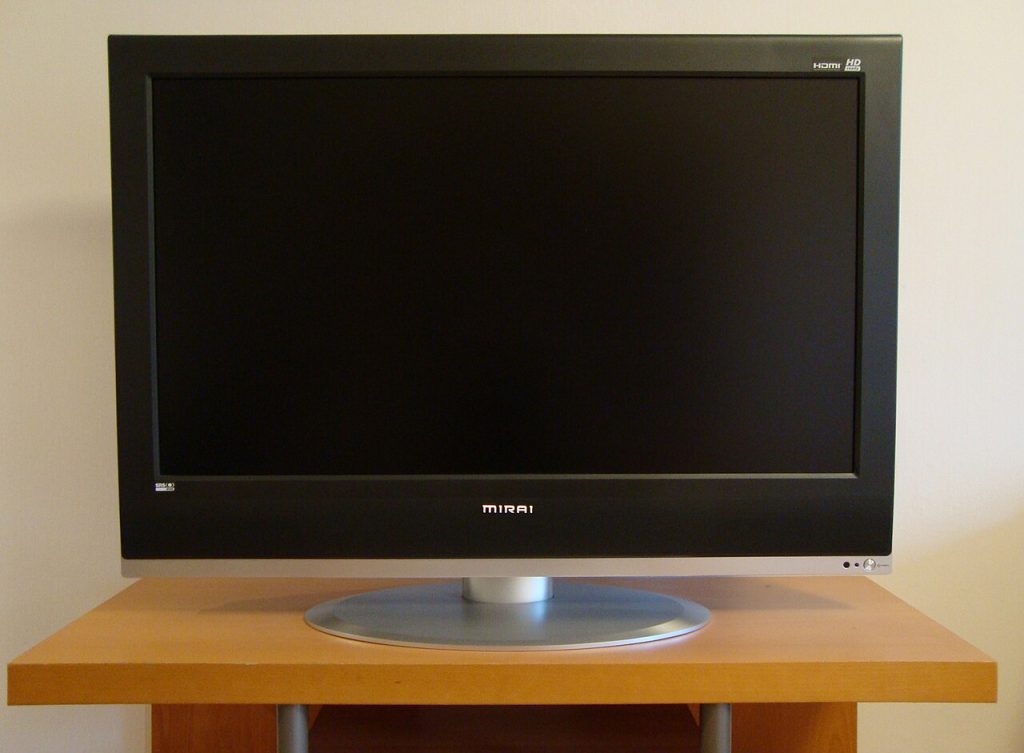
A television box is covered in numbers and acronyms. Contrast ratio of a million to one, refresh rate of 120 hertz, response time of two milliseconds. Some of those figures describe real qualities. Others exist mostly for marketing. Learning which is which can save you money and help you choose a set that looks good in your living room instead of just on a shelf under bright store lights.
Start with screen size and viewing distance
Bigger is not always better. A screen that is too large for the room makes you move your head to see the edges, while one that is too small wastes the picture. A common rule of thumb is to sit about one and a half to two and a half times the screen’s diagonal away for a high-definition picture. For a forty-two inch set, that works out to roughly five to nine feet. Measure your room and the space for the TV before you shop.
Resolution
Resolution is the number of pixels. Full HD is 1920 by 1080, and 4K is 3840 by 2160. More pixels can look sharper, but only if the content and your distance allow you to see the difference. At a normal sitting distance, the gain from full HD to 4K on a small screen is modest. On larger screens, the extra detail is easier to see. Also remember that most of what you watch is only as sharp as its source. A standard-definition broadcast on a high-resolution set is upscaled, which can look soft.
Panel type
The panel technology affects colour, viewing angles and contrast.
- VA panels usually offer deeper blacks and strong contrast, but colours can shift when you look from the side.
- IPS panels keep colours consistent from wide angles but tend to show blacks as dark grey.
- TN panels are fast and cheap but have narrow viewing angles, and are rare in modern televisions.
- OLED is a different technology where each pixel makes its own light, giving true black and high contrast, with higher prices.
If your family watches from many seats, wide viewing angles matter. If you watch in a dark room, contrast matters more.
Backlight and brightness
LCD televisions need a light source behind the screen. Edge-lit sets place LEDs around the border, while direct-lit sets place them behind the panel. Some use local dimming, which turns off zones to deepen blacks. More zones usually give better results. Brightness, measured in nits, matters for bright rooms and high dynamic range content. A set that looks fine in a dim room can look washed out near a sunny window.
Contrast ratio
This is the difference between the brightest white and the darkest black. Manufacturers often quote “dynamic” contrast, measured with the backlight changing between scenes, producing enormous numbers that tell you little. Native contrast, measured without that trick, is more meaningful. Treat very high claimed numbers with scepticism, and use reviews that measure real performance.
Refresh rate and motion
Refresh rate is how many times per second the picture updates. A 60 hertz panel is fine for most content. A 120 hertz panel can make fast motion look smoother and is useful for sports and gaming. Beware of “effective” refresh rates, which use tricks like backlight flashing to inflate numbers. Motion smoothing, which creates extra frames, can make films look unnaturally smooth, so check whether you can turn it off.
Response time
Response time describes how quickly a pixel changes colour. Slow response causes blur or ghosting behind moving objects. Quoted numbers are measured in different ways, so they are not easy to compare between brands. Look for reviews that test motion with real footage.
Inputs and connections
Check the back of the set before you buy.
1. HDMI ports: how many do you need for a console, a streaming box and a soundbar?
2. HDMI version: newer versions support higher frame rates and features useful for gaming.
3. eARC or ARC: lets the TV send sound to a soundbar through one cable.
4. USB ports: handy for media playback.
5. Optical audio, Ethernet and antenna inputs: depending on your setup.
Smart features and software
Many televisions include built-in apps for streaming. Compare how fast the interface feels, how long the maker supports updates, and whether the set shows advertising on the home screen. If you already own a streaming stick, you may not need the smart features, and a simpler set could cost less.
Sound
Thin panels leave little room for speakers, so built-in audio is often weak. If you care about sound, budget for a soundbar or speakers, and check that your TV supports the connection you need.
What to ignore or treat with caution
- Dynamic contrast figures with enormous numbers.
- “Motion rate” or “effective” refresh numbers.
- Stickers showing many features you will not use.
- Showroom settings, which use extreme brightness to catch the eye.
Practical shopping steps
1. Decide the size and budget.
2. Note the room lighting and seating positions.
3. Read independent reviews with measurements.
4. View candidates in person if you can, and ask to see a familiar film.
5. Check the warranty and return policy.
6. Plan for mounting or a stand.
After you buy
Switch from the vivid showroom mode to a movie or cinema picture mode. Turn off unnecessary processing, and adjust brightness to your room. A few minutes of setup can improve the picture more than extra money spent on specifications.
A good television is a balance of size, panel type, brightness and features that fit how you actually watch. Decode the specs with care and the right set will be clear.
For wider background, Wikipedia has a general overview of Liquid-crystal display. You may also find these related guides useful: Why Odd Tech Accessories Become Memes (and Still Sell) and Buying Refurbished Electronics Safely: A Practical Checklist.



