
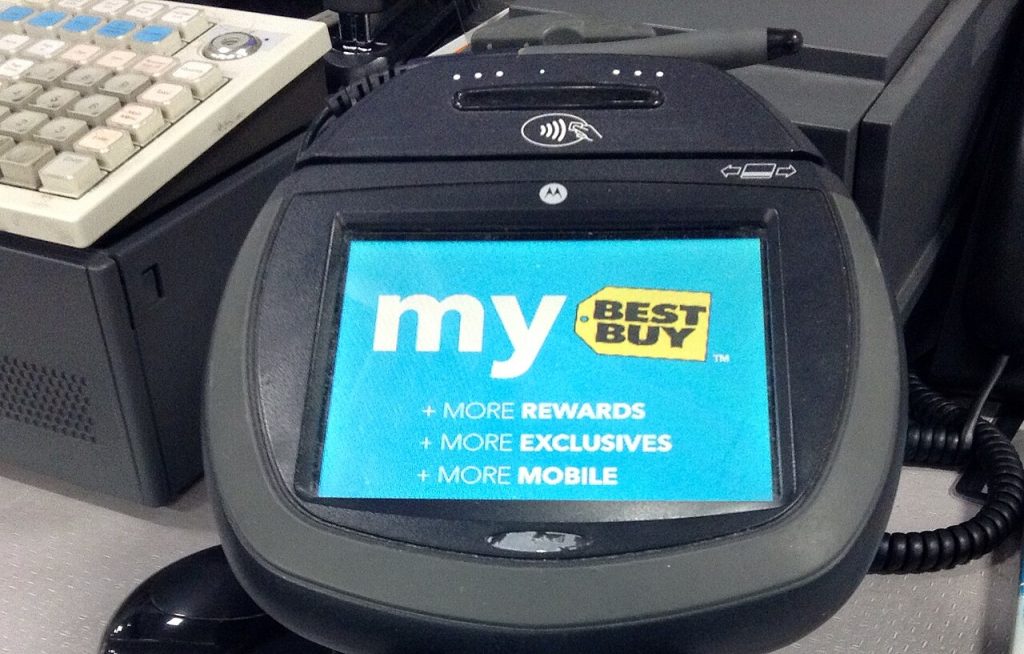
Every extra field on a payment form costs a retailer some customers. Typing a card number on a phone, hunting for a billing address and waiting for a confirmation code gives people many chances to give up. One-click checkout removes nearly all of that. You tap once, and the order is placed using details you saved earlier. It feels like magic, but it rests on a handful of ordinary ideas.
In this article
What happens behind the tap
The first time you buy, you enter your name, delivery address and payment method. With your permission, those details are stored. The storage is rarely a plain copy of your card number. Instead, a payment provider converts it into a token, a random-looking stand-in that works only for that merchant or service and means nothing to a thief.
On later visits, the shop recognizes you through a login, a device or a wallet, and sends the token to the payment processor along with the order amount. The processor asks the card network and your bank to approve the purchase. If approved, the order goes through. The whole exchange takes moments.
One-click checkout: the different flavors
Some stores build their own system, saving your details in your account. Others rely on digital wallets that sit on your phone or browser and share card information with many merchants. A third kind comes from payment companies offering a shared account across stores, so your details follow you from site to site.
Wallet-based approaches often add a quick check such as a fingerprint, face scan or passcode. That keeps the speed while adding a layer of protection. Passkeys and device-based authentication are making this smoother still.
Why merchants want it
The numbers that matter to retailers are conversion and abandonment. When fewer steps stand between a customer’s intent and the confirmation, more people finish. Mobile shopping, where typing is awkward, benefits most.
Repeat customers are particularly valuable. Someone who has bought before and can purchase again with one tap is more likely to do so impulsively, which raises sales. It also reduces mistakes: pre-filled addresses and card numbers mean fewer failed deliveries and declined payments.
Lower friction can also mean lower support costs. Fewer errors in checkout mean fewer emails asking where an order went.
Speed does not have to mean weakness. Tokenization limits the damage of a breach, since stolen tokens are of little use elsewhere. Banks and card networks run fraud checks on each transaction, looking at patterns such as unusual locations or amounts. For higher-risk purchases, the system may step in with an extra verification, which is why a one-click buy occasionally asks for a code anyway.
The weak point is often the account itself. If someone gets into your shopping account, saved details could make fraud easy. Use a strong, unique password, turn on two-step verification and review your order history from time to time.
What shoppers should watch for
The same ease that helps you can hurt you. Accidental taps can place orders you did not intend, and impulse purchases come easier when friction vanishes. Some stores offer a short window to cancel or an option to require confirmation. Look for that setting if you share a device with children.
Check where your details are saved. You may be happier with a wallet that holds one copy than with a dozen sites each keeping their own. Delete stored cards from shops you no longer use. And keep an eye on statements, so a mistake does not linger.
Be aware of subscriptions. One tap can sign you up for a recurring charge, so read the summary line about renewal terms before you confirm.
Returns and refunds interact with this convenience. Some stores make post-purchase changes easy within a short period, while others lock an order quickly. Knowing the policy before you tap is more useful than discovering it afterward.
Accessibility deserves a mention too. For shoppers with limited mobility, poor eyesight or difficulty typing, saved details and a single confirmation can be a real benefit rather than a mere shortcut. Good design in this area helps people who would otherwise struggle to shop independently.
Cross-border shopping adds wrinkles. Currency conversion, import fees and tax display can change the final price after the tap, so check the total on the confirmation page when ordering from abroad. A single click does not remove those extra charges; it only hides the step where you used to notice them.
The bigger picture
One-click checkout is a small example of a wider trend: removing steps from everyday transactions. Done well, it respects your time and keeps you safe. Done carelessly, it nudges you to spend before you think. The best versions give you speed along with clear receipts, easy cancellations and honest information about what you have agreed to. The technology is neutral. How a merchant uses it tells you a lot about how it regards its customers.
One-click checkout removes steps, which helps shoppers and merchants. The Wikipedia article on e-commerce gives the wider picture, and anyone using one-click checkout should keep an eye on saved payment details.
Related reading: Getting Paid on YouTube: Watch Hours, Thresholds and How Monetization Really Works and Sales Automation, Explained: What AI Actually Changes in a Revenue Team’s Day.


