
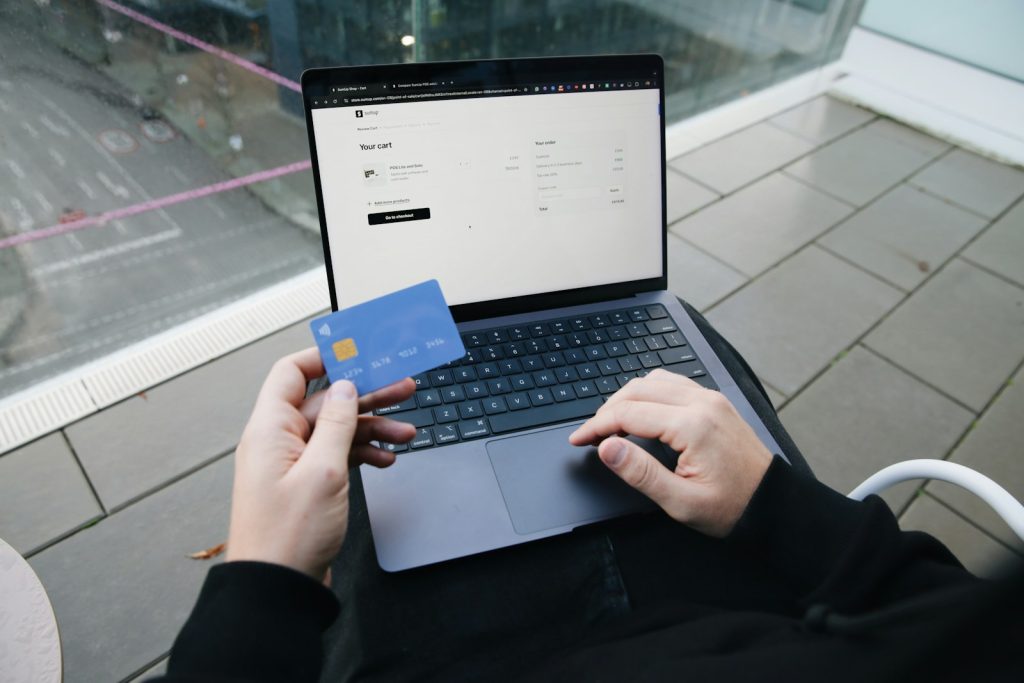
You are about to pay for a pair of shoes when a small pop-up appears, tries a few discount codes and saves you some money. It feels like free help. But the company behind a coupon browser extension has to pay its bills somehow, and the answer is rarely “out of kindness.” This article explains how these tools make money, what they can see while you shop and how to decide whether one is worth the trade.
How a coupon browser extension works
A browser extension is a small program that runs inside your web browser with permission to read or change what you see on certain pages. A coupon extension watches for shopping sites. When you reach checkout, it tries a list of codes, picks one that works or shows you offers, and applies the savings.
To do this it must know which site you are on, and often what is in your cart. That permission is the key to understanding the whole business. A coupon browser extension is, in effect, a small shopping assistant that lives inside your browser and watches where you go.
The typical flow is simple. You install it, it adds a button or pop-up and it activates when it recognizes a store. Most people never look at the settings again, which is exactly why it is worth looking once.
How a coupon browser extension makes money
Affiliate commissions
Most coupon extensions earn a cut when a purchase happens after the extension is used. Retailers pay affiliate programs a percentage of the sale, and the extension collects it. This can work out well for everyone when a real discount appears. It gets murkier if the extension takes credit for a sale the shopper was already going to make, for example by replacing the referral link from a blogger or creator who sent the customer.
Data
Shopping behavior is valuable. Which sites you visit, what you look at and what you buy can be aggregated and sold or used for analytics, depending on the extension’s policy. Reputable products say what they collect and offer controls, while less careful ones are vague.

Advertising and partnerships
Some extensions show sponsored offers or give retailers premium placement. A coupon browser extension may be paid to promote one deal over a better one, so the top suggestion is not always the cheapest.
Premium features
A smaller number of coupon browser extension makers charge a subscription or sell paid add-ons such as price tracking. This is the easiest model to trust because you are the customer.
What a coupon browser extension can see
When you install one, the browser shows a permission prompt. A common wording is that the extension can “read and change your data on all websites.” That sounds alarming, and it is broad, because the extension needs to detect checkout pages anywhere. In principle it could also see pages that have nothing to do with shopping.
- The addresses of pages you visit.
- Items in your cart and the total price.
- Information typed into forms, unless the extension is designed to ignore it.
Well-built extensions limit themselves to shopping pages and avoid sensitive fields such as payment details. You cannot verify that from the outside, so treat permissions as a measure of trust you are extending. For a related view of how tracking powers suggestions, see how online stores choose what to recommend.
None of this makes extensions bad. A tool that discloses its commissions, limits its permissions and finds real discounts is doing an honest job. The problem is the many that blur the line between helping you and helping themselves.
How to decide if one is worth it
- Read the privacy policy. Look for what is collected, whether it is sold and how long it is kept.
- Check who runs it. A known company with a clear business is safer than an anonymous publisher.
- Inspect permissions. Prefer tools that limit access to specific sites over those requesting every site.
- Test the savings. Compare a few purchases with and without it. If the savings are tiny, the risk may not be worth it.
- Remove what you do not use. Old extensions can change hands, and new owners may change what they collect.
Safer habits for finding discounts
You can save money without installing anything. Sign up for the retailer’s newsletter for first-order codes. Check the site’s own sale page. Compare prices across a few stores before buying. Use cash-back through your card issuer if it offers it. Several of these routes avoid handing a coupon browser extension a view of your browsing.
If you do install one, limit it to the browser profile you use for shopping and review it every few months. Extensions that sit on a free ad-supported feed carry similar trade-offs, as discussed in third-party apps that promise ad-free feeds.
The bottom line
A coupon browser extension can genuinely save money, and plenty of people are happy with theirs. But free tools run on commissions and data, so the sensible question is not “is it free?” but “what do I give in return?” Read the permissions, pick a company you trust and keep an eye on your savings. If the numbers stay small, uninstalling costs you nothing.



