
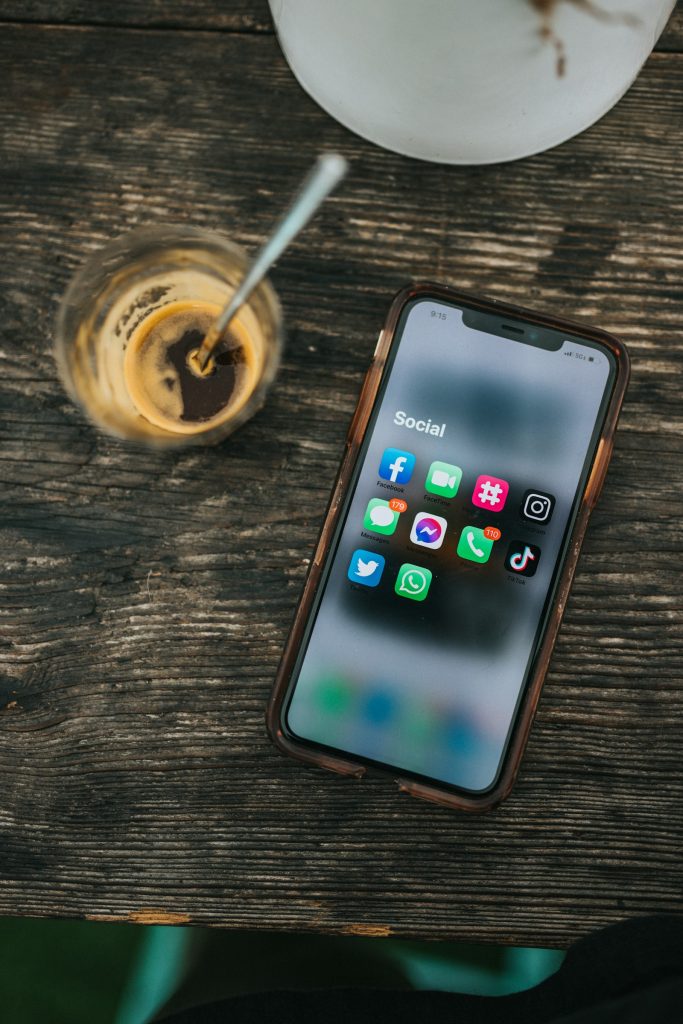
Few things annoy social media users more than scrolling past an ad every few posts. So it is no surprise that apps promising ad-free social feeds keep appearing: sign in and see only your friends, in order, with nothing sponsored. Some of them are well-meaning projects. Some are traps. Telling safe ad-free social feeds from the traps means understanding how they work and what you hand over.
How apps promising ad-free social feeds work
Social platforms want you inside their official apps, where they control the experience and place ads. A third-party app that shows the same content has to get it from somewhere. There are only a few ways to do that:
- Official interfaces (APIs). Some platforms let outside developers connect with the user’s permission, within limits the platform sets. These are the cleanest option, but platforms often restrict what’s possible, and ad-free access is rarely on offer.
- Your login credentials. The app asks for your username and password and logs in on your behalf, then reformats what it receives. This is risky and often violates platform rules.
- Scraping. The app reads the public parts of the service automatically, a technique known as web scraping. It may break often and can be blocked.
- Embedded web views. The app wraps the website and strips out certain elements using code. Again, this is fragile and can contravene terms of service.
The method matters because it determines the risk. An approach that passes through your password means a stranger holds the keys to your account.
A simple way to remember it: if the sign-in screen belongs to the platform and lists what the app is allowed to do, that is the official route. If the sign-in box belongs to the app and wants the same password you use on the platform, walk away.
Why you should think twice about ad-free social feeds
Your account could be locked
Platforms generally prohibit unauthorized access methods. Accounts that connect through unapproved apps can be flagged, restricted or banned. If your account holds years of photos and conversations, that is a heavy price for a cleaner feed.

Your credentials may be exposed
Giving any small developer your password is a leap of trust. If their servers are breached or they are careless, attackers could access your account, read private messages and message your contacts. Reusing the same password elsewhere multiplies the danger, and the risk is not theoretical: third-party Snapchat apps and photo leak risks shows how badly it can go wrong.
Your data may be the product
If an app offering ad-free social feeds is free, ask how it earns money. Possibilities include selling data, collecting behavioral information, or planning a paid tier later. A clear business model is reassuring; a vague one is not.
It may simply stop working
Platforms change their systems all the time. Apps that depend on unofficial access can break overnight, and ad-free social feeds built that way can also be shut down by legal demands.
A checklist before you install
- Does the app use the platform’s official sign-in flow, where you approve limited permissions, or does it ask for your raw password?
- Who makes it? Look for a named developer, a website, a privacy policy and some history.
- What permissions does it request on your phone? A feed viewer should not need your contacts or microphone.
- Does the platform’s own help center say anything about third-party apps?
- What do independent reviews say, and are they from real people?
- How does it make money?
If you cannot answer these comfortably, skip it. If you decide to try one anyway, use a unique password for that account, turn on two-step verification, and consider testing with a secondary account first.
Safer routes to ad-free social feeds, or close to it
You can improve your experience without risking your account:
- Use built-in feed controls. Many platforms offer a chronological or friends-only view, or let you mute topics and accounts.
- Adjust ad preferences. You cannot usually turn ads off, but you can limit personalization and hide topics you dislike.
- Try a paid, ad-free tier if the platform offers one. It is the one method fully within the rules.
- Use the web version of the app with a reputable content blocker, understanding that this too can conflict with terms and may break features.
- Unfollow aggressively. A feed full of accounts you no longer care about is often a bigger problem than the ads.
- Set time limits. The built-in screen time tools on your phone can reduce the scroll.
The business reality
It helps to remember why the ads exist. Free social platforms earn money from advertising, and they build their products around keeping you looking. Any tool that promises ad-free social feeds strikes at that model, which explains why platforms resist and why such tools tend to have short lives. This does not make wanting a calmer feed unreasonable. It just means you should expect friction.
What to do if you already gave away your password
If you’ve signed in through a questionable app, change your password immediately, sign out of all sessions, revoke access in your account’s security settings and enable two-step verification. Check recent activity for anything unfamiliar. If you reused that password elsewhere, change it there too.
Ad-free social feeds are a good goal, but the price should never be control of your own account. Choose the slower, safer route, and your photos and messages will still be yours next year.



