
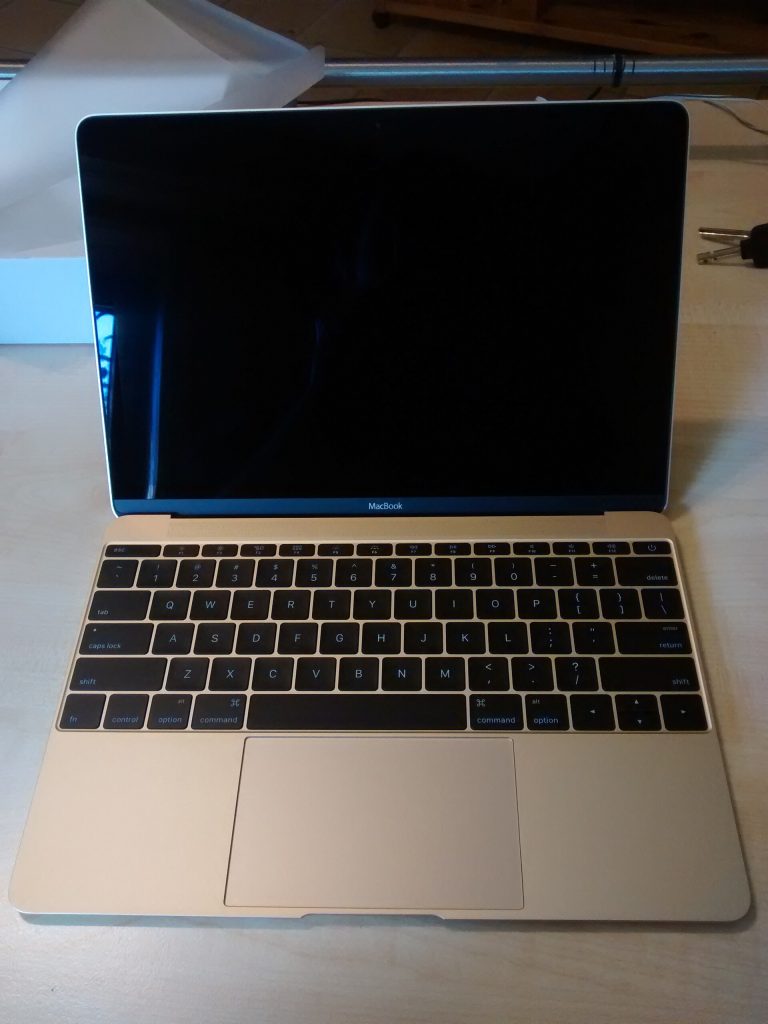
When Apple acquired Fleetsmith in 2020, the announcement was brief and technical. The startup built software that helps companies set up and manage fleets of Apple devices remotely. It does not sound exciting, but it addresses one of the least glamorous and most important parts of running a business with laptops and phones: making sure each one is configured, secure and up to date without a person touching it.
What device management is
Mobile device management, often shortened to MDM, is a set of tools that lets an organization control the computers and phones it hands out. An administrator can install applications, enforce password rules, turn on disk encryption, push updates, find lost devices and wipe them if they fall into the wrong hands. For companies with dozens or thousands of employees, doing this by hand is impossible.
The problem Fleetsmith targeted
Traditional management systems were designed for large enterprises with dedicated IT departments. Setting them up could take weeks, and they often felt clunky on Macs. Small and midsized companies, many of them using Apple hardware by choice, wanted something simpler. Fleetsmith offered a streamlined service: a new employee opens a laptop, it connects to the network, and the right apps and settings arrive automatically.
What zero-touch deployment means
- The company buys a device through an authorized channel, which links its serial number to the organization.
- When the employee turns it on for the first time, the device checks in and discovers who manages it.
- Policies and apps install in the background.
- The user reaches a working desktop without IT having unboxed or configured anything.
Why Apple wanted it
- Business push. Apple hardware has grown in popularity at work, and easy management removes a barrier to buying it.
- Control of the experience. Owning a management tool lets Apple build features closer to the operating system.
- Talent. The team knew how to build management software for small organizations.
- Competition. Third-party vendors dominated the space, and Apple could offer a basic option itself.
What it meant for customers and competitors
Existing customers worried about their service, and Apple moved to fold the technology into its own offerings for business, including tools for managing devices in schools and companies. Rival management vendors faced a new reality: the platform owner could add more features to the system and make their products less necessary. Many responded by deepening their own offerings, such as identity management, security and reporting, where independent vendors can still differentiate.
What this looked like for a small design studio
Imagine a ten-person design studio hiring three people in a month. Before management software, the office manager would set up each laptop on a weekend: create accounts, install design tools, switch on encryption, copy files and write down the recovery key. With automatic enrollment, the new hire opens the box at home, signs in and receives the same setup within minutes. Security improves because nothing depends on a person remembering a step, and the manager gets her weekend back.
Choosing a tool
When comparing options, ask how quickly a new device becomes usable, whether the tool covers phones and tablets as well as computers, how it handles remote wipe and what reporting you get. Look at pricing per device, support quality and how well it works with your identity provider. A free trial with a few real devices will reveal more than a feature list ever will.
Practical tips for small businesses
- Use device management from day one, before you have fifty laptops and a spreadsheet of passwords.
- Turn on disk encryption and automatic updates for every device.
- Separate work and personal data on employees’ own phones.
- Keep an inventory with serial numbers, owners and warranty dates.
- Test a wipe procedure before you actually need it.
Privacy and trust
Management software can see a great deal. Employers should be clear about what they monitor and what they do not, and employees should ask for a written policy. A device owned by the company is subject to company rules, but a personal phone enrolled for work access should have more limited visibility. Respecting that line keeps trust intact and reduces legal risk.
The takeaway
The acquisition was a small deal with a clear message: the experience of managing technology at work is part of the product. Companies choose hardware not only for how it looks and performs, but for how painless it is to deploy and secure. Whether you run five laptops or five thousand, a simple, automatic management process is among the best investments you can make.



