
Most of us have sat through a meeting, nodded along, and later realized we cannot remember who agreed to do what. AI note takers promise to fix that. They join your calls, write down what is said, and produce summaries and action items. Tools from companies in the transcription space, including Otter’s assistant products, are now common in offices. Here is how they work and how to use them without annoying your colleagues or creating problems.
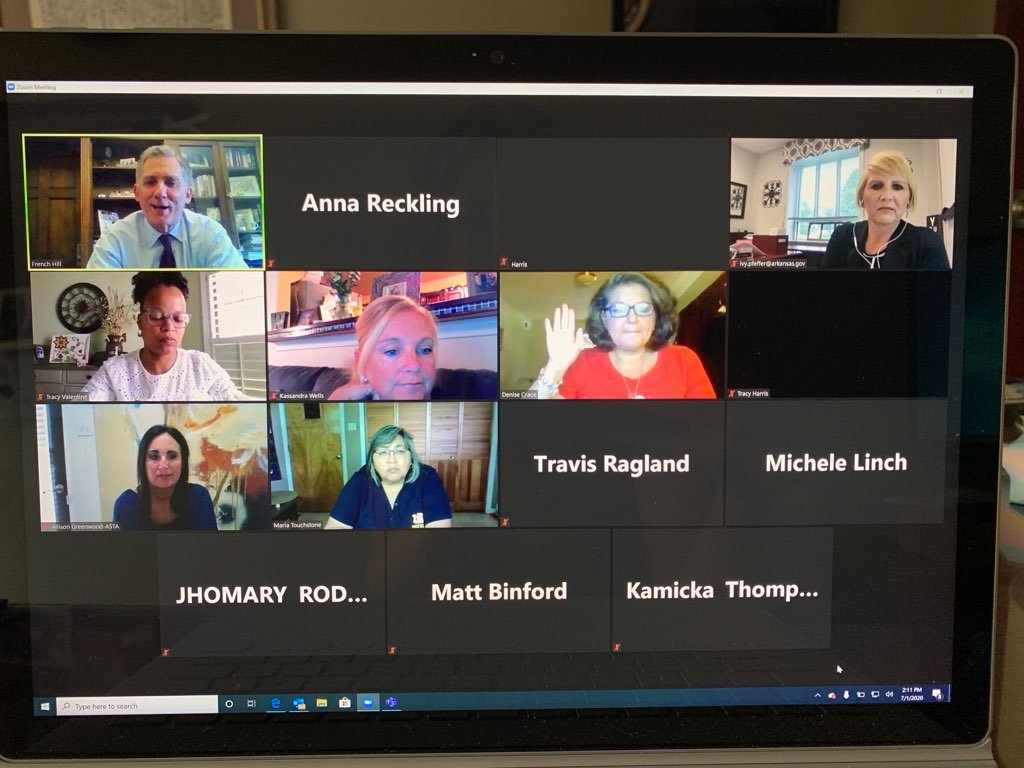
How AI note takers work behind the scenes
The process has a few stages. First, the tool captures audio from the meeting, either by joining as a participant or by listening on your device. Speech recognition then converts the audio into text, trying to separate speakers. A language model reads the transcript and produces a summary, a list of decisions and tasks, and sometimes answers to questions like “What did we decide about the budget?”
Accuracy of AI note takers depends on audio quality, accents, jargon and crosstalk. A clear call with one speaker at a time produces excellent text. A noisy room with five people talking over each other does not.
Where AI note takers help most
- Recurring team check-ins where nobody wants to be the note-taker
- Customer calls that need accurate records of requests
- Interviews, where focusing on the conversation matters
- Planning sessions with many action items
- Catching up on a meeting you missed
For people who attend several meetings a day, searchable transcripts are a quiet superpower. You can look for a term from last month’s discussion rather than trying to recall which meeting it was.
Questions to ask before you hit record
The main risks of AI note takers are social and legal, more than technical. Consider:
Consent. In many places, recording a conversation requires telling participants, and in some jurisdictions, getting everyone’s agreement. Even where it is legal, it is polite and wise to announce that an assistant is present. A bot appearing in a meeting without notice feels like eavesdropping.
Confidentiality. What is said in meetings may include unreleased plans, client data or personnel matters. Check your organization’s policy before using any tool, and understand where recordings and transcripts are stored. Compliance teams often rely on privacy compliance software to map where such data lives.
Training data. Find out whether the vendor uses your content to improve its models, and whether you can opt out. For sensitive work, choose a plan with clear commitments about data use.
Access. Who can see the transcript? Some tools share a link with everyone invited by default, which could include external guests.
Retention. How long are recordings kept, and can you delete them?
Getting useful summaries from AI note takers
AI summaries are good at structure and bad at nuance. They may flatten a tense discussion into a neutral sentence or miss a decision that was implied rather than stated. Treat them as a draft. Skim the summary, check key points against the transcript, and fix mistakes before sharing.
You can improve results by helping the tool. State decisions out loud: “So we agreed that Priya will send the proposal by Friday.” Clear statements make for better action items. Introduce speakers at the start so names are attributed correctly. Share an agenda, which gives the system context.
Etiquette for AI note takers
Be considerate of how AI note takers change a conversation. Some people speak less freely when they know they are being transcribed, particularly in sensitive discussions or brainstorming sessions where half-formed ideas matter. If a meeting needs candor, consider turning the tool off or telling people it will be.
Also think about what you do with the output of AI note takers. Sending a full transcript to everyone is rarely helpful. A concise summary with owners and dates is usually better.
Accuracy and bias
Speech recognition can be less accurate for some accents and speech patterns, which can lead to errors that disproportionately affect certain people. Review transcripts before you use them for anything consequential, such as performance reviews or legal records. Never treat an AI summary as an official record without checking.
Choosing among AI note takers
Compare the basics: language support, integrations with your calendar and video platform, search quality, export options and price. Try a free tier on a low-stakes meeting. Pay attention to how easy it is to fix mistakes and how clear the privacy controls are.
Cost deserves a look too. Free plans often cap monthly minutes or transcript history, while paid plans add things like custom vocabulary and team sharing. Pick on the features you will use weekly, not the longest list. If you only need your own thoughts captured, dictation versus AI meeting notes is worth comparing.
The takeaway
AI note takers save real time and reduce the burden of note-taking, but they work best when everyone knows they are in use and the output is reviewed by a human. Set clear ground rules, protect sensitive conversations, and remember that the point of a meeting is the decision, not the transcript. Used thoughtfully, the tool gives you back your attention to spend on the people in the room.



