
Not long ago, starting a project meant an afternoon of installing compilers, matching versions, fixing paths and wondering why it worked on a colleague’s machine but not yours. Online code editors promise a different start: open a browser tab, write code, press run. They have moved from classroom toys to serious tools, though they are not right for everything.
How they work
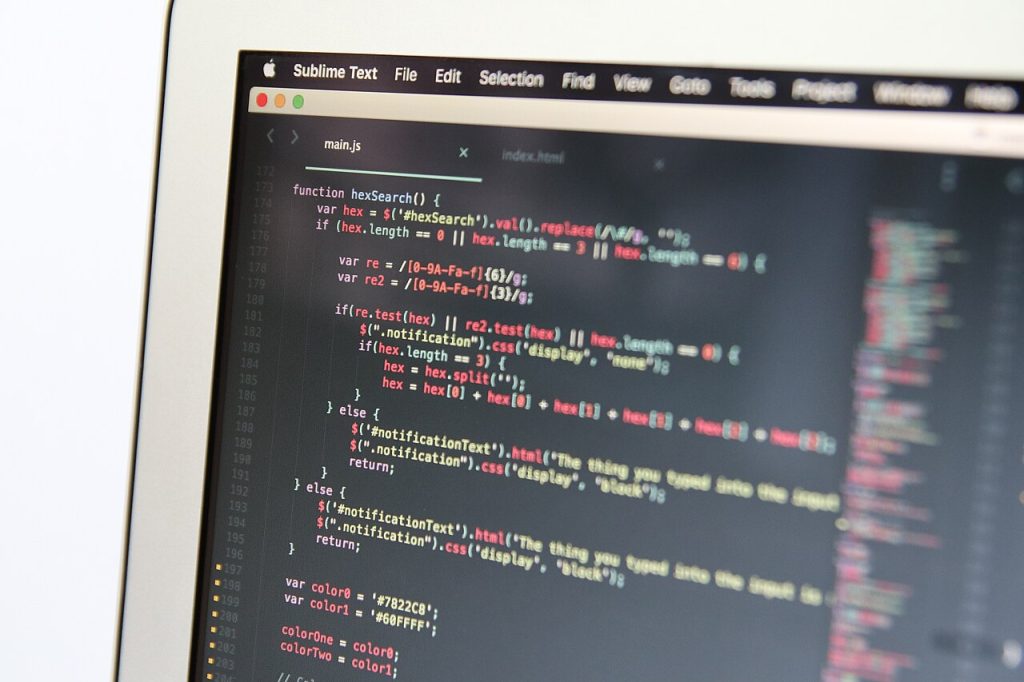
Online code editors give you the familiar pieces of a development environment, a file tree, a code window and often a terminal, inside a web page. The code usually runs on a remote server or container, not on your computer. The browser simply shows you the screen and sends your keystrokes.
Some editors run code inside the browser itself, using technology that executes certain languages locally. Others connect to cloud machines that you can configure with the tools your project needs.
Many online code editors include sharing and collaboration, so two people can edit the same file at once, much like a shared document.
Cloud environments can also be spun up for a single task and thrown away afterwards. That keeps your own machine clean, and it is useful for trying a library or tool you may not want to keep. When you are finished, you delete the environment and nothing lingers on your computer.
Why people like them
The biggest draw of online code editors is speed of setup. A new teammate can open a link and have a working environment in minutes. That is a real gain for workshops, classrooms, interviews and open-source contributions, where setting up locally often discourages newcomers.
They are also consistent. Everyone uses the same configuration, so the classic problem of it works on my machine fades. Environments can be defined in a file and recreated whenever needed.
Portability helps. You can work from a laptop, a tablet or a borrowed computer, and pick up where you left off. Heavy builds can run on stronger remote hardware than your own device.
Security teams like some aspects too. Because code stays on managed servers, it is easier to apply policies, rotate secrets and remove access when someone leaves a project. Companies that worry about code leaving laptops sometimes prefer this model for that reason.
Compatibility can bite too. Some tools expect direct access to your operating system, local devices or specific hardware, and a remote environment may not offer that. Check early that your key tools work, rather than discovering the gap in the middle of a deadline.
Online code editors: the drawbacks
You need a connection. Without a good network, you cannot work, and latency can make typing feel sluggish. Some editors offer limited offline support, but it is rarely complete.
Costs can creep in. Free tiers are handy, but long-running or large environments often require a paid plan. Compare that with a local machine you already own.
Privacy and control matter, too. Your code lives on a provider’s servers. For private or regulated projects, check where data is stored, who can access it and what happens if the service changes or closes.
Finally, some workflows are awkward. Heavy debugging, work with specialised hardware, graphics-intensive tools or unusual setups often fit a local environment better.
Performance varies. A small free environment may feel slow when building a large project, and shared resources can mean slower periods. Extensions and themes that you rely on locally may not all be available, which can make the editor feel unfamiliar at first.
Where they fit, and how to choose
Online code editors suit learning, quick prototypes, code reviews, demos, team onboarding and contributions to unfamiliar projects. Many professionals use both: an online environment for convenience and a local one for deep work.
When choosing, look at supported languages, startup time, terminal access, extension support, collaboration features, pricing and export options. Make sure you can get your files out easily, and keep your code in version control rather than leaving the only copy in the editor.
A few habits improve the experience. Learn the keyboard shortcuts, since browsers may capture some of them. Use a stable connection. Save work frequently. Close unused environments to avoid wasting your allowance.
Try one of the online code editors on a small project before committing a team to it. The right choice depends on what you build, who you work with and how you like to work.
A student, for example, can follow a tutorial without installing anything. A maintainer can open a contributor’s proposed change in a clean environment and test it in seconds. A consultant on a short engagement can start on day one instead of day three. In each case the browser removes friction at the beginning, and that is where it earns its keep.
Teams using online code editors should also write down how the environment is defined, so it can be rebuilt if the provider changes. Treat the setup like code, with versioning and review.
If you want to read around the subject, the Wikipedia article on source-code editor gives a plain overview, and two related pieces on this site are Greener Boxes on a Small Budget: A Practical Packaging Guide for Online Brands and Standing on Any Street, From Your Sofa: How Street-Level Imagery Works.
Pricing models are worth a look. Some charge by hours used, others by resources or by seat. A team that leaves environments running overnight can be surprised by a bill, so set limits and automatic shutdowns where the service allows.



