
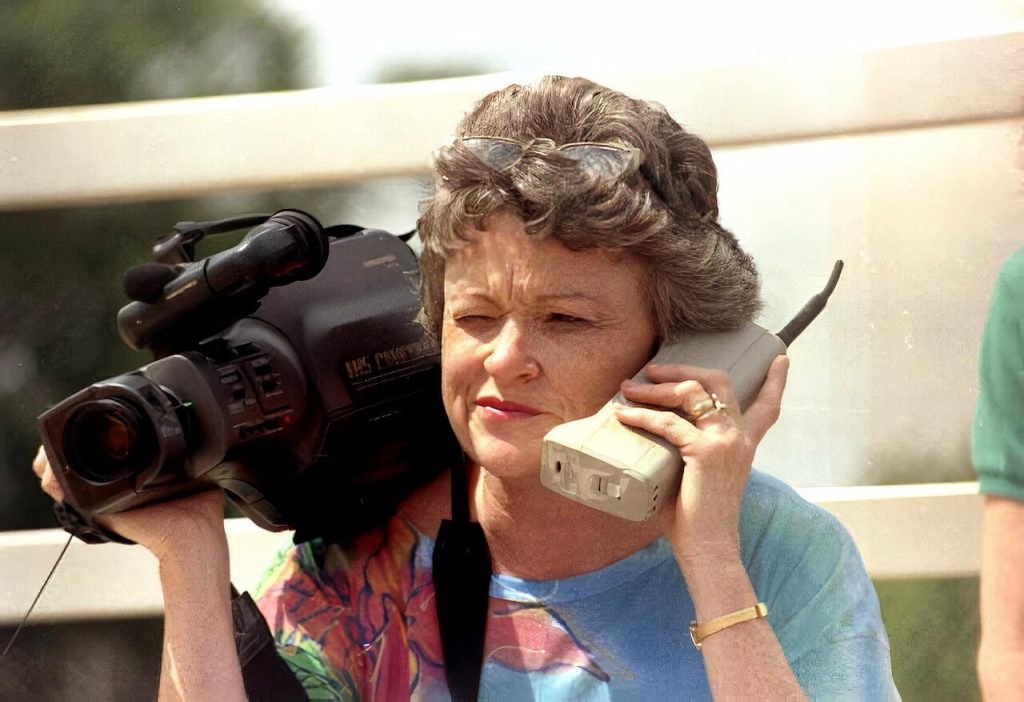
Posting an accidental social media photo takes half a second. Your thumb slips, a camera shortcut fires, or a quick-share button sends a photo to the wrong list. Your stomach drops. Whether it was an unflattering selfie or something far more private, the right response is the same: act fast and be methodical. Here is how to deal with an accidental share and how to make a repeat less likely.
Step one: stop the spread of an accidental social media photo
Speed matters, because the longer an accidental social media photo sits where others can see it, the more chance it is viewed, saved or screenshotted. Do these in order.
1. Open the app and find the post or message.
2. Look for a menu, usually three dots or a long-press, and choose delete, unsend or remove.
3. If the app offers choices between deleting for you and deleting for everyone, pick everyone.
4. If the photo went into a group chat, delete it there and also check any other places it may have been cross-posted.
5. If you cannot find the option, hide it by switching the audience to just you, or archive it where the app allows that.
Some platforms now include short-lived or quick-share features that send photos to a chosen circle with minimal friction. They are great for casual snaps and risky for an accidental social media photo. If you notice a new feature that appeared after an update, open its settings and learn what it does before you need it.
What deletion does and does not do
Removing an accidental social media photo takes it off the screen for most viewers. It does not guarantee erasure everywhere.
- Someone may already have taken a screenshot or saved the image.
- Notifications may have shown a preview of the picture on other people’s lock screens.
- Backups, caches and servers can keep copies for a time.
- Third-party tools can store content automatically.
So deletion reduces the harm from an accidental social media photo but cannot promise that nobody saw it. That is not a reason to skip it. It limits the audience quickly.
Talk to the people who saw it
For an embarrassing but harmless accidental social media photo, a short message often clears things up. Something like “Oops, sent that by mistake, please ignore and delete it” works better than silence. Most people respond kindly.
If the image was sensitive, such as a private photo, a document or a screen showing passwords or addresses, be direct. Ask the recipient to delete it and not to share it. Explain it was accidental.
When it is serious
An accidental social media photo can carry real risk. If you shared personal identification, financial details or private images, treat it as a security incident.
- Change affected passwords and enable two-factor authentication.
- Contact your bank if account numbers or cards were visible.
- Report the content to the platform if someone is misusing it. Most major services have processes for removing non-consensual intimate images, and dedicated organizations help people have such material taken down across sites.
- Keep records, such as screenshots of messages, in case you need to report harassment.
- Seek support. Embarrassment is heavy, and you do not have to carry it alone.
If a minor is involved, report to the platform and appropriate authorities and avoid forwarding the image yourself.
Prevent the next accident
A few settings reduce the odds.
Review sharing defaults
Check who your default audience is. If your account sends to “all friends” by default, change it to a smaller list, or require confirmation before posting.
Disable risky shortcuts
Lock-screen camera shortcuts, one-tap send buttons and swipe gestures are convenient and error-prone. Turn off the ones you do not use.
Turn off automatic uploads
Photo backup is useful, but check which albums sync and who can view shared albums. A shared family album that you forget about can reveal more than you intend.
Strip location data
Photos can carry metadata such as time and location. Both major phone systems let you remove location when sharing. Make that your standard.
Pause before sending
Build the habit of looking at the recipient name twice. It sounds simple, and it prevents most mix-ups.
Features worth looking for
When you choose apps, favor those with an undo window after sending, clear recipient lists, and the ability to unsend for all participants. Check that notification previews can be limited, so photos do not appear in full on lock screens.
A calmer way to think about the aftermath
The first hour is about action. The following days are about perspective. If you have deleted the picture and told the people who saw it, you have done the sensible things. Replaying the moment will not shrink the audience of an accidental social media photo.
It helps to write down what happened and what you changed, even in two lines. Next time an accidental social media photo slips out, you will have a short routine to follow instead of a panic. Share it with a friend or family member who might need it too.
Keep it in perspective
Almost everyone has sent an accidental social media photo to the wrong person. Most mistakes fade within a day. Act quickly, delete what you can, talk to those affected, and tighten a couple of settings. If something truly sensitive got out, take the extra security steps and ask for help. Then forgive yourself, and move on with better defaults.
Header photo: Donn Dughi, Wikimedia Commons (Public domain).
Related reading on this site: Why Location Sharing on Social Apps Needs Safer Defaults and How to Back Up Your Photos and Memories From Any Social App.



