

Shopping for clothes online has one persistent problem: you cannot tell how something will look or fit until it arrives. Virtual try on tools aim to fix that by showing a garment on a picture of you, a model with a similar body shape or a digital avatar. The idea is attractive, and the technology is improving quickly, but it is wise to understand its limits.
In this article
Main approaches in virtual try on tools
Photo-based try-on: You upload a photo, and the tool uses image generation to place a garment onto you. It tries to match pose, lighting and body shape.
If you want to get more from virtual try on tools, start with good input. Use even lighting, stand straight, wear fitted clothes and keep the camera at chest height. A poor photo gives poor results, and then it is easy to blame the garment. Virtual try on tools can only work with the information you give them. Virtual try on tools improve with practice.
Avatar-based try-on: You enter measurements or scan your body to create a 3D model, then dress it in digital versions of clothing.
Live camera try-on: Often used for glasses, makeup and jewellery, the camera tracks your face or hands and overlays the item in real time.
Model matching: The site shows the same garment on models of different sizes so you can compare.
What it does well
- Colour and style: A quick sense of whether a colour suits you.
- Overall look: How a cut or length might appear in general.
- Accessories: Glasses and makeup are easier to simulate.
- Reducing returns: Fewer surprises can mean fewer parcels sent back.
Where it struggles
Fabric behaviour is hard to simulate. How a material drapes, stretches or clings depends on weight, weave and stitching, which images do not fully capture. Fit across shoulders, waist and sleeve length may be approximated rather than exact. Generated images can smooth over details or alter your appearance in ways that make the garment look better than it will in reality.
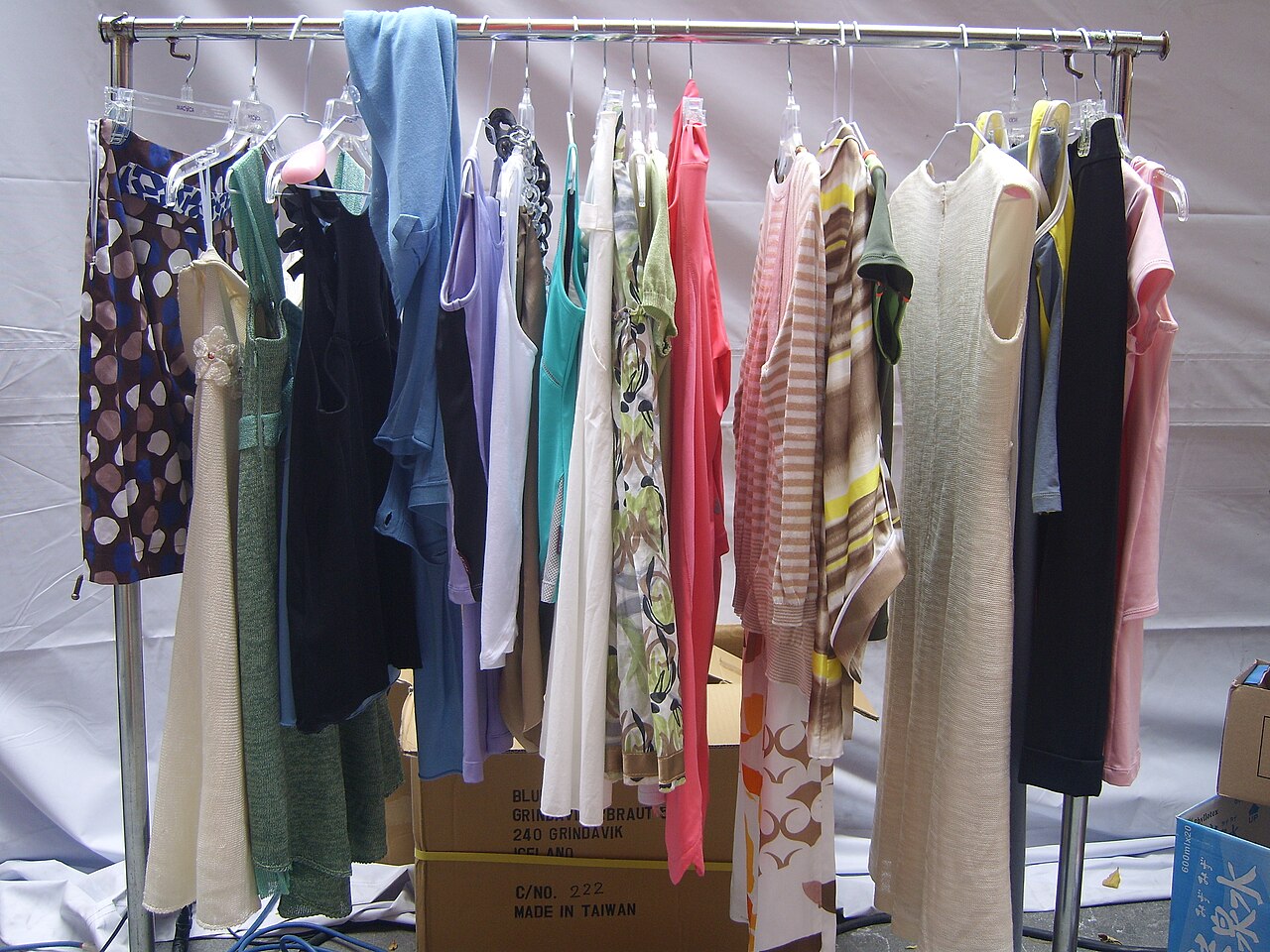
A frequent mistake is trusting colour on screen. Displays differ, and lighting in the demo image may not match your room. Use virtual try on tools to judge shape and general style, then read the fabric description and look at customer photos for the true shade. Treat the preview as one clue among several. Use virtual try on tools for style ideas.
Using it wisely
Treat a try-on as inspiration, not a guarantee. Always check the size chart, material description and customer reviews, especially comments about fit. Compare measurements with a garment you already own. If the retailer provides measurements for the item, use them.
Privacy considerations
Uploading a photo or body scan shares sensitive data. Check whether images are stored, for how long and whether they might be used to train models. Look for options to delete your data and for clear statements about who can access it. Avoid uploading photos of other people without permission, and be particularly careful with photos of children.
Body image and wellbeing
Seeing yourself in digital clothing can be fun, but it may also trigger discomfort for some. If a tool makes you feel worse about your body, you can stop using it. Remember that real garments are made for real bodies, and the right fit matters more than a flattering filter.
Benefits for retailers
Shops hope try-on tools will increase confidence, raise conversion and reduce returns, which are costly and wasteful. The best tools are accurate, accessible and respectful of privacy. If a retailer offers a size recommendation system, check whether it explains how it works.
Before relying on virtual try on tools for a bigger purchase, check the return policy. A free, easy return makes experimenting low-risk, while a strict policy means you should be more careful. It is also worth noting the size you ordered and whether it fitted, so the next shop can be easier to judge. Smart shoppers pair virtual try on tools with size charts.
Sustainability angle
Returns create extra shipping and sometimes waste. If virtual try-on helps you buy the right size the first time, it can contribute to lower emissions. It does not replace thoughtful buying, such as choosing durable items and avoiding impulse purchases.
Tips for a better experience
- Use a clear, well-lit photo.
- Stand straight with arms visible if the tool asks.
- Try several poses or models.
- Save results to compare later.
- Do not rely on a single image.
Choosing between sizes
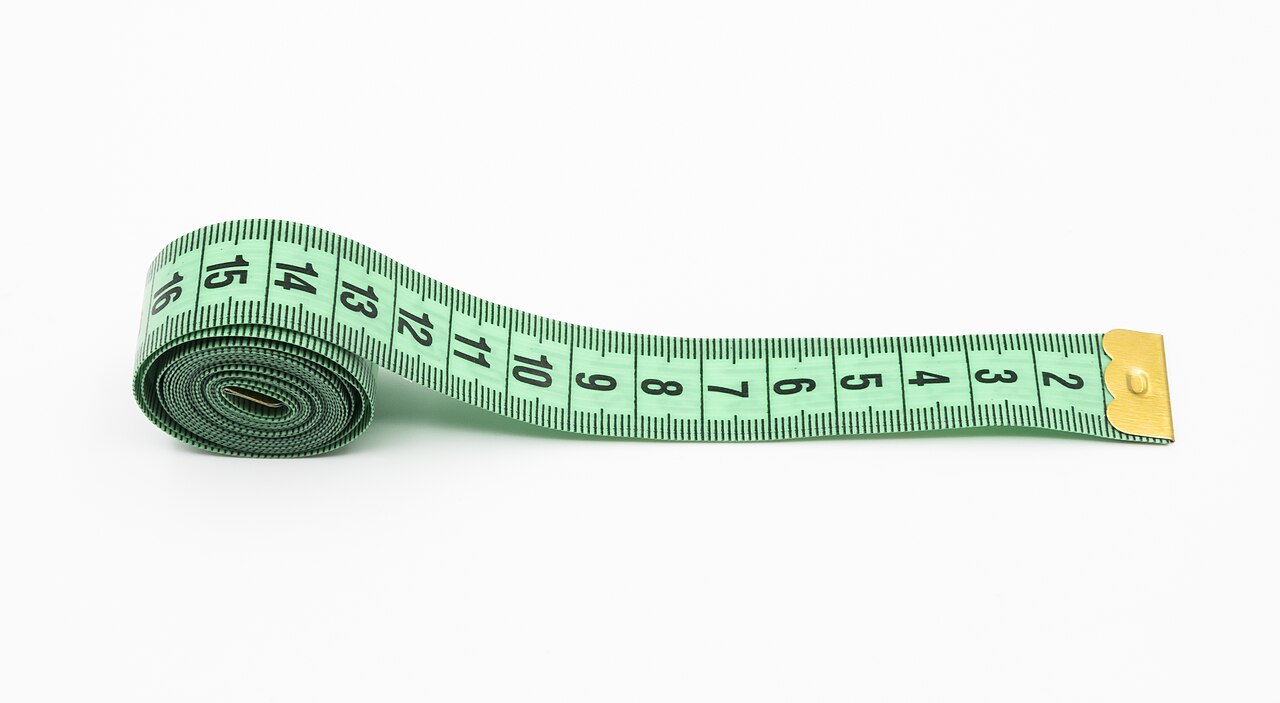
If the retailer shows a model’s height and the size worn, compare it with yours. If you are between sizes, read reviews to see whether others say it runs small or large. Where possible, choose shops with generous return policies, so a miss is a minor inconvenience, not a loss. Pair the digital preview with your own tape measure for the best results.

Testing a tool before you trust it
Try this check: upload a photo and dress yourself in a garment you already own, if the tool allows it. Compare the result with the real thing. Does the length match? Do the sleeves sit where they should? If the tool cannot reproduce something you can verify, it will not be reliable for something new. Virtual try on tools differ widely in quality, and a few minutes of testing can save several returns.
Combining a preview with real measurements
Measure your chest, waist and hips with a soft tape and write them down. Then compare them with the retailer’s size chart and with the model’s listed measurements. Where the preview and the chart disagree, trust the chart and the reviews. Treat the image as a way to judge colour and shape, and the numbers as the way to judge fit. Used like this, virtual try on tools become one input among several rather than the final word.
The image generation behind photo-based tools is explored in our guide to on-device AI image generators, and the question of telling real pictures from generated ones comes up in detecting AI-generated images. If the live camera mode interests you, the Wikipedia article on augmented reality explains how overlays track your face and hands. Good virtual try on tools are honest about what they cannot show.
Final thoughts
Virtual try-on is a helpful addition to online shopping, particularly for colour and style. Keep your expectations realistic, check the fit details and guard your data. Used as a guide, it can make buying clothes online a little more confident and a lot more fun.
Image credit: Hayden Layton/Melbourne Press Club via Wikimedia Commons (CC BY 4.0).



