

There is a quiet difference between using an AI chatbot in a browser and running a model on your own computer. In the first case, your text travels to a company’s servers. In the second, the model sits on your disk, and nothing leaves the machine unless you send it. Open-weight AI models make the second option possible, and a growing number of people are trying it, for reasons that range from privacy to curiosity.
What open-weight AI models actually are
A language model is, at its core, a very large file of numbers called weights, plus code to run them. When a developer publishes the weights, anyone can download the model and use it. That is not quite the same as open source in the traditional sense. Releases of open-weight AI models often come with licenses that restrict some uses, and the training data and full training recipe usually stay private. It is worth reading the license before building a product on top.
Still, access to the weights lets you do things hosted services don’t allow: run offline, fine-tune on your own data, inspect behavior and avoid per-request fees.
What you need to run open-weight AI models
Memory is the main constraint
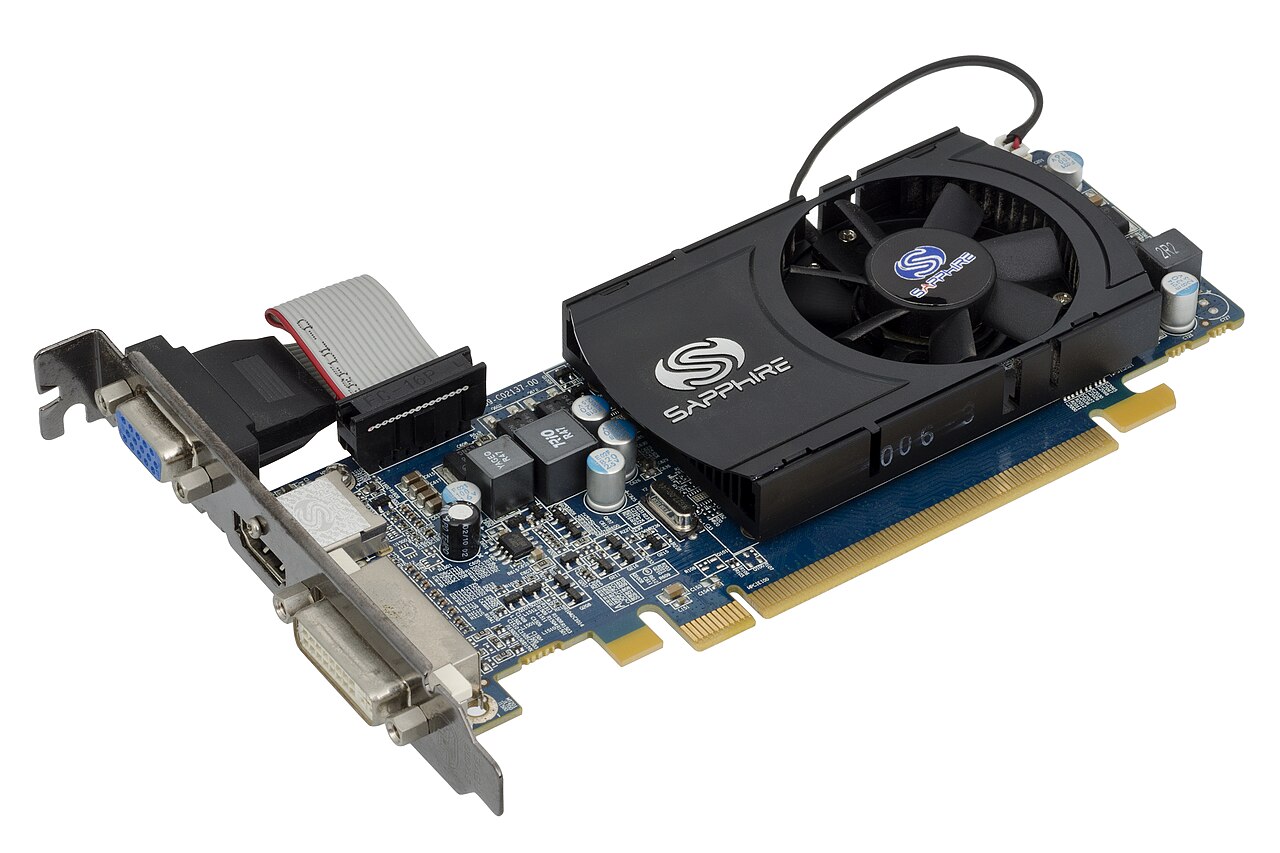
The model has to fit in memory. Smaller models with a few billion parameters can run on a modern laptop. Larger ones need a graphics card with plenty of video memory, or a lot of system RAM and patience. A technique called quantization shrinks the file by storing the numbers at lower precision, which lets bigger models fit with a modest loss in quality.
Software
Several free programs handle downloading and running models with simple interfaces, and some provide a chat window like the hosted services. Developers can use libraries that load the weights directly and expose them via a local API, so your own applications can call them.
Speed
Expect a trade-off. A small model on a laptop answers quickly but makes more mistakes. A large one on a desktop with a good graphics card is slower but more capable. Try a few sizes with your actual tasks before settling. A model that handles English well may struggle in other languages, a gap discussed in building language models for India’s many languages.
Why people choose open-weight AI models
- Privacy: sensitive documents stay on your machine.
- Cost: no usage fees once you have the hardware.
- Control: you decide when to update, and the behavior won’t change overnight.
- Customization: you can adapt a model to a narrow task.
- Offline use: works on a plane or in a place with poor connectivity.
Where safety comes in
Hosted assistants usually have layers of protection around the model, such as filters on what goes in and comes out. When you download weights, you run the model without those layers unless you add them. That puts responsibility on you, particularly if you build something other people will use.
This is why companies releasing open-weight AI models often accompany them with safety tools. These can include classifiers that check prompts and responses for harmful content, guidelines for responsible use, and evaluations that show how the model behaves on risky requests. A developer can place such a classifier in front of or behind the main model as a gatekeeper. It is not perfect, and no filter catches everything, but it raises the baseline.
Some model releases also describe how they were tested and what limits remain. Reading that documentation is worthwhile. It tells you where the model is likely to fail, which is more useful than a headline claim about benchmark scores.
Practical cautions
Models can state falsehoods with confidence, and small ones do it more often. Do not use them as the sole source for medical, legal or financial decisions. Download weights only from reputable sources, because tampered files are a risk, and prefer formats that cannot run arbitrary code. Check the license for commercial use. And keep in mind that a local model has no built-in knowledge of recent events beyond its training data.
Fine-tuning deserves a note. Adapting a model to your own writing or documents can make it far more useful, but it can also weaken built-in safeguards, so test again after every change. Retrieval, where the model looks up your documents at answer time, is often simpler and easier to audit. If you feed it web content, cleaning web data for AI agents avoids a lot of junk. If you are building an application, test it with adversarial prompts, log problems and add human review for anything high-stakes. A model that behaves well in your demo can behave badly in the wild.
Getting started
Pick one of the small open-weight AI models, install a local runner, and spend an evening testing it on tasks you care about: summarizing notes, drafting emails, explaining code. You will learn quickly what it does well and where it stumbles. That hands-on feel is worth more than any comparison table, and it gives you a grounded view of what these systems are, which is useful whether you end up using local models daily or just reading about them with more informed eyes.
Image: RubinObs/NOIRLab/SLAC/NSF/DOE/AURA / Wikimedia Commons, CC BY 4.0.



