

Traditional online grocery shopping mirrors the supermarket aisle: search for milk, pick a brand, add to basket, repeat sixty times. It is efficient if you know what you want and miserable if you are trying to work out what to cook on Tuesday. A meal planning grocery app tries to fix that by starting with the dinner.
A newer approach flips the order. The software starts with the dish, and the software works out the ingredients, matching them to products you can buy. Some of these tools use AI to suggest recipes from a short prompt. Here is how they work and how to use one without wasting money or food.
The recipe-first idea in a meal planning grocery app
Think of it as three steps merged into one. First, you pick or generate a recipe. You might choose from a library, import one from a website, or describe what you want, such as a vegetarian dinner for four in under thirty minutes.
Second, the tool converts ingredients to products. It turns two tablespoons of olive oil into a purchasable bottle, handles units, and picks a pack size.
Third, it fills the basket. A cart is assembled from a store or marketplace, usually letting you swap brands or remove items you already own.
The convenience is real. The tricky part is step two, because recipes and shelves do not line up neatly. A recipe calls for half a cabbage; the store sells a whole one.
Where a meal planning grocery app shines
Planning a week of meals is the obvious use. Combining several recipes in one basket helps overlap ingredients, so one bunch of coriander serves three dishes. Dietary needs get easier too. Filtering for allergies, vegetarian, halal, kosher or low-sodium eating is simpler when the tool understands recipes, though you should always check the labels yourself.
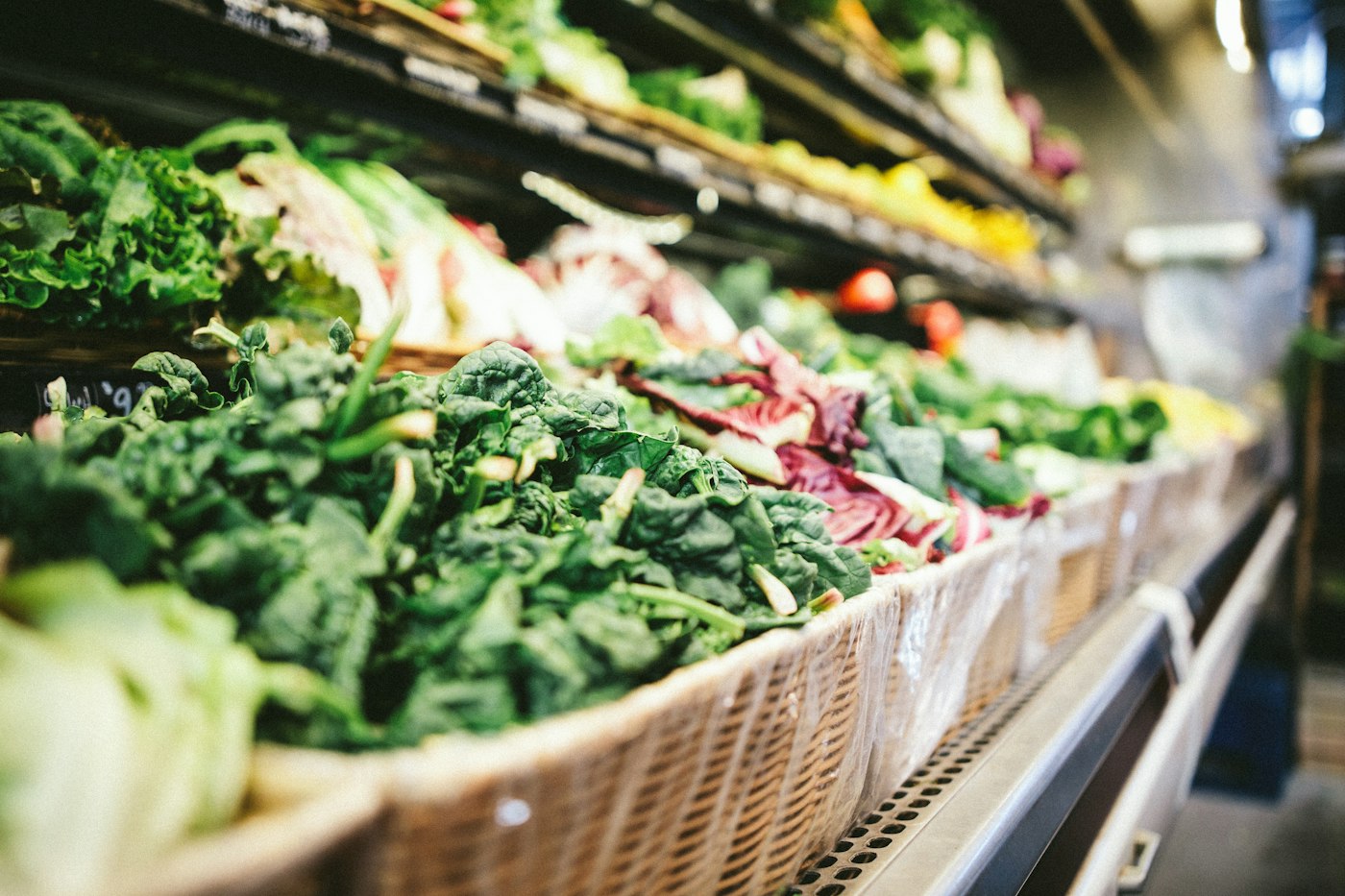
Unfamiliar cuisines benefit as well. Translating a dish you have never cooked into a shopping list, including specialty items, removes a big barrier. And a list built from planned meals tends to be tighter than one assembled while browsing, which cuts impulse buys. Anyone who has gone to the shop for bread and returned with twelve items knows the value of that.
Product suggestions in these tools often follow the same logic as other stores, which we discuss in how product recommendations work in online stores. Knowing that helps you see when a suggestion serves you and when it mostly serves the seller.
Where it can go wrong
Pack sizes cause waste. If a recipe needs one tablespoon of an ingredient and the smallest jar holds two hundred grams, you either buy surplus or substitute. Check the pantry before accepting every line.
Substitutions are another weak point. An out-of-stock item may be replaced with something similar but not the same, which matters for allergies and special diets. Choose the setting that asks you before swapping.
Price can creep upward. A meal planning grocery app may default to premium brands or sponsored products. Look at the unit price, not just the total, and set a preferred brand tier if the option exists.
AI-generated recipes can also misjudge quantities, timing or safety. Treat them as drafts: scan the method, check that cooking temperatures and times make sense, and cook meat and eggs thoroughly regardless of what any generated text suggests.
Getting the most from the habit
A little discipline turns a meal planning grocery app from a novelty into a routine.
- Plan three or four dinners, not seven. Leave room for leftovers and surprises.
- Pick recipes that share ingredients.
- Check your fridge and pantry before ordering.
- Save recipes your household actually liked, so the tool learns your taste.
- Set a budget and compare the basket total before you check out.
- Keep a short list of staples that you reorder automatically.
If you save links and ideas widely, our guide to organizing online shopping links and wish lists offers ways to keep them tidy. For the retail model itself, the page on the online grocer covers how delivery and pickup services developed.
A sample week
Suppose you plan three dinners: a tray-baked chicken with potatoes, a lentil soup, and a quick pasta. The tool lists the onions, garlic and stock that appear in two or three of the recipes only once, flags that you already own pasta, and suggests a single pack of herbs. Lunch from leftover soup is a bonus. On a normal week you might have bought eight separate things for five meals and thrown half of them away. On a planned week the basket is shorter and everything has a job. That is the quiet case for a meal planning grocery app: not novelty, but fewer forgotten vegetables.
The bigger shift
Recipe-first shopping shows a wider change in how software helps with chores: starting from your goal rather than the catalog. You say “dinner,” and the tool handles the paperwork of ingredients and quantities. For busy households that can mean less decision fatigue and less waste. For retailers it means a new route to sell more complete baskets.
It is no replacement for judgment, though. A meal planning grocery app can suggest, assemble and deliver, but it cannot taste, smell or know that your family hates cilantro. Use it as a fast assistant, keep your own eye on prices and labels, and it can make the weekly shop feel lighter. Try one planned week with a meal planning grocery app and compare the bill and the waste with a normal week. The numbers will tell you whether it fits your kitchen.



