

Most people follow gadget app news the wrong way round. They read about the device, the camera, the battery, the colour options, and treat the app as an afterthought. In practice the app is where a modern gadget lives or dies, and the most important gadget app news is often a small line in an update note.
Table of Contents
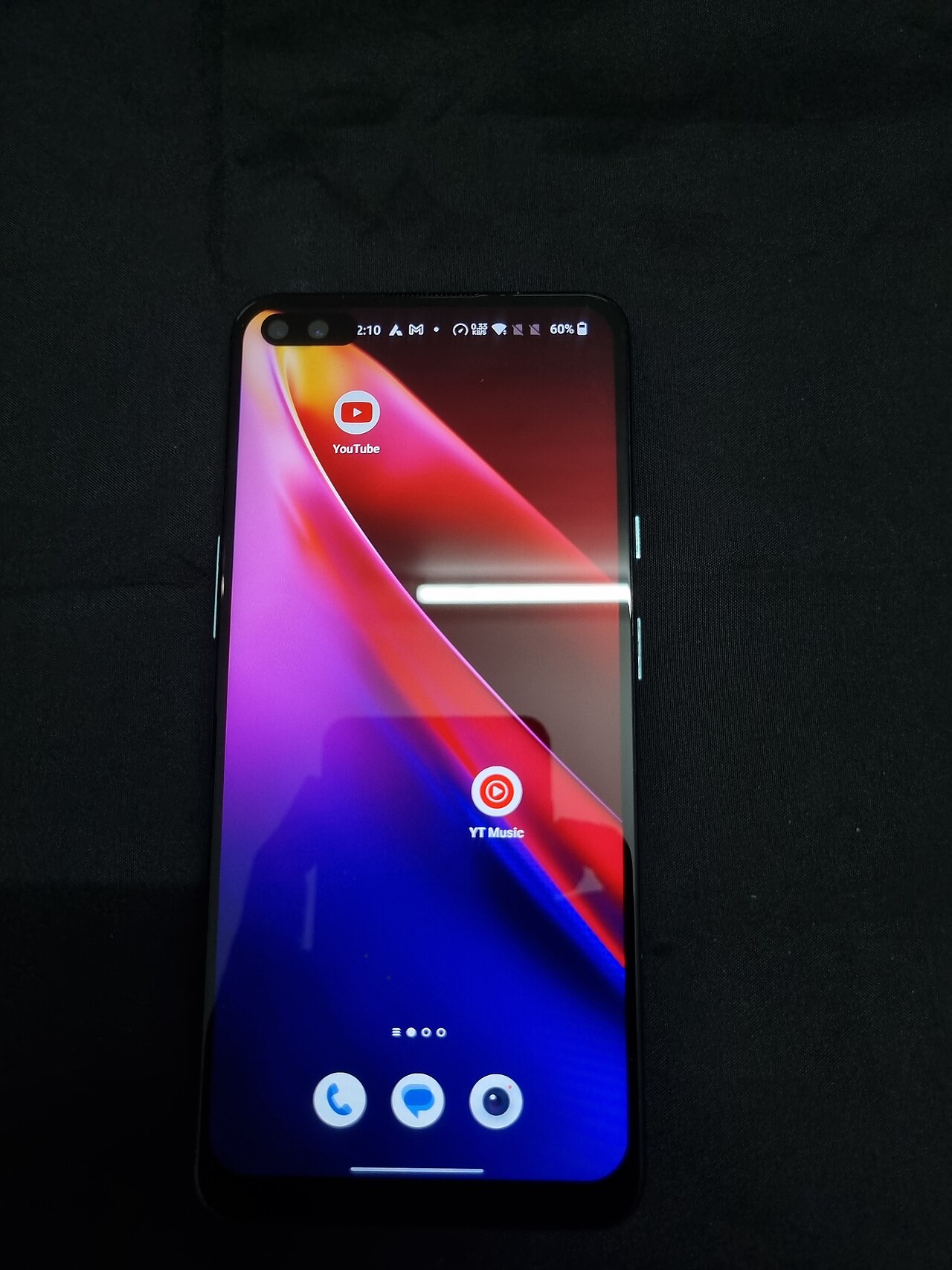
Why the app matters more than the hardware
A smart speaker, a fitness band, a robot vacuum, a doorbell camera: all of them are close to useless without the phone app that sets them up. The app handles pairing, settings, firmware updates and, in many cases, the cloud service that makes the features work. When the app changes, the gadget changes. That is why gadget app news deserves the same attention as the hardware launch itself.
It also explains why two identical devices can feel very different a year apart. One owner got steady updates and new features. Another got a redesign that removed a setting they liked, or a new subscription wall in front of something that used to be free. The plastic and silicon were the same; the software decisions were not.
What to read for in gadget app news
Update notes are usually short and vague, but they leak useful information if you know what to look for. Permission changes are the first thing to check. If an app starts asking for location, contacts or background activity it did not need before, ask why. A good developer explains in the notes; a poor one says only “bug fixes and improvements”.
Next, look for account and cloud changes. A requirement to sign in, a new terms-of-service screen or a move of data to a different service all affect how long your gadget will keep working and who can see its data. Then look at pricing language: words like “premium”, “plus” or “membership” in gadget app news often mean a feature is moving behind a paywall.
Finally, watch for support signals. An app that has not been updated in a long time, a store listing with unanswered complaints, or a company blog that has gone quiet are all warning signs. We covered the extreme case in our piece on how a product can fade away, and the lesson is the same: a gadget is only as durable as the service behind its app.
How to check an app before you buy the gadget
You can do a surprising amount of research from your couch. Find the companion app in the app store before you buy the device, and read the recent reviews rather than the top ones. Look at the “last updated” date, the number of versions released in the past year, and what the developer says in reply to complaints. If a gadget needs an account, read what data the account collects.
It is also worth checking whether the gadget works without the app, or without an internet connection. Some devices keep their basic functions locally; others become a paperweight when the servers are unreachable. That one question tells you more about a product than a page of specifications. This is the kind of detail that good gadget app news should surface and that marketing pages rarely do.
Keeping up without drowning in alerts
The volume of gadget app news is huge, and most of it is not about you. A workable approach is to follow only the apps for devices you own or plan to buy. Turn on update notes in the app store, skim them when they arrive, and ignore the rest. For broader context, our guide to a daily routine for following tech news without burning out offers a simple structure, and the discussion of the pros and cons of AI news aggregators is useful if you rely on automated feeds.
It helps to keep a short note of each device you own: what the app does, what permissions it has, and what you would lose if it shut down. Review the note twice a year. When some piece of gadget app news affects a device on your list, you will know right away whether it matters.
A quick audit you can run this weekend
Open the app list on your phone and find every companion app for a gadget you own. For each one, write down three facts: when it was last updated, what permissions it holds, and whether you can still use the gadget if the company vanished tomorrow. It takes about fifteen minutes and turns vague worry into a clear list.
Anything on the list that fails badly, say an app with no updates for years that still holds access to your location, is a candidate for replacement or for revoking permissions. This small routine does more for your safety and your wallet than reading every piece of gadget app news that comes along.
What to take from all this
Gadget app news is easy to ignore because it looks dull. Yet a permission change, a new subscription tier or a shutdown notice can matter more to your daily use than any hardware refresh. Read the app side first, check how long the company supports it, and keep local control where you can. For background on what apps are and how they are distributed, see Wikipedia’s overview of mobile apps.



