
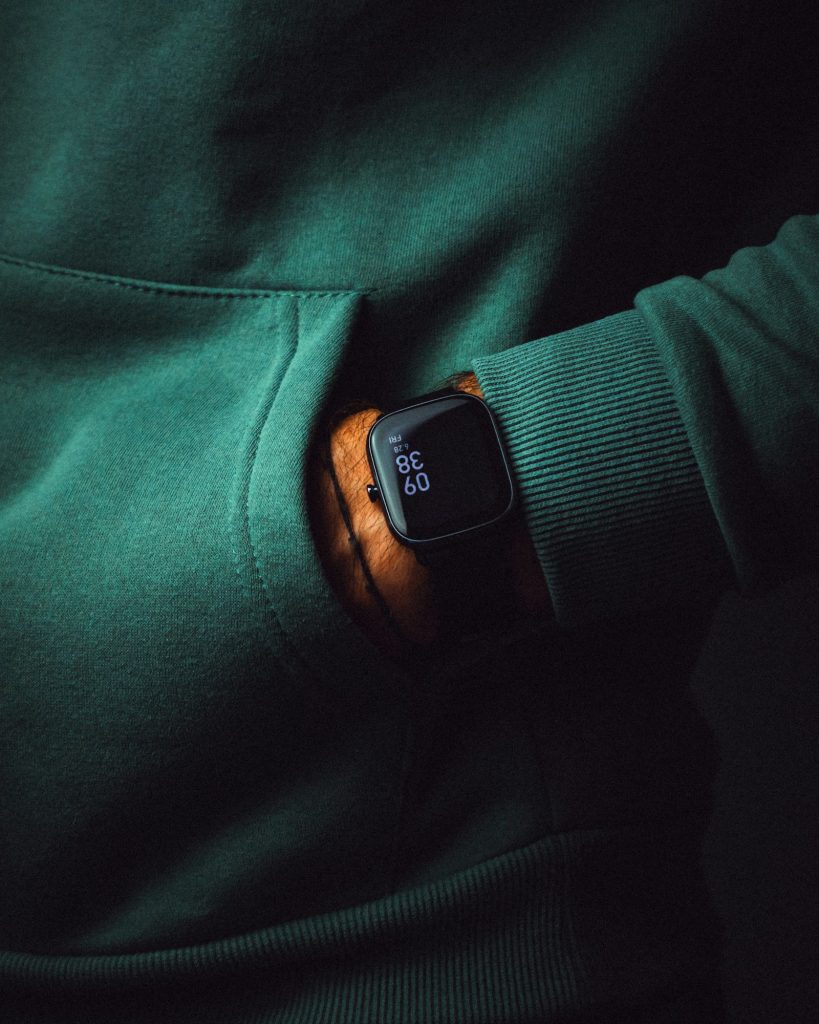
If you have ever worried about a parent living alone, a child walking home from school, or a relative with a health condition, you have probably wished for an easy way to check in without constant phone calls. A growing group of wearables aims at exactly that gap: cellular health bands, simple wristbands with their own connection, built to track health signals and call for help when needed, no smartphone required.
Here is how cellular health bands work, who they help, and what to examine before you buy one.
Why cellular health bands carry their own connection
Most fitness trackers depend on a paired phone. They collect data, then pass it along over Bluetooth when the phone is nearby. That is fine for a runner, but it falls apart for someone who does not carry a phone, forgets to charge it, or does not want one.
Cellular health bands carry an LTE radio, so they talk to the network directly, much like a very small, very limited phone. It can send location updates, trigger alerts and sometimes place calls on its own. The tradeoffs are a monthly service fee, a larger battery draw, and coverage that depends on the carrier in your area.
What cellular health bands usually do
Features vary, but the common set includes:
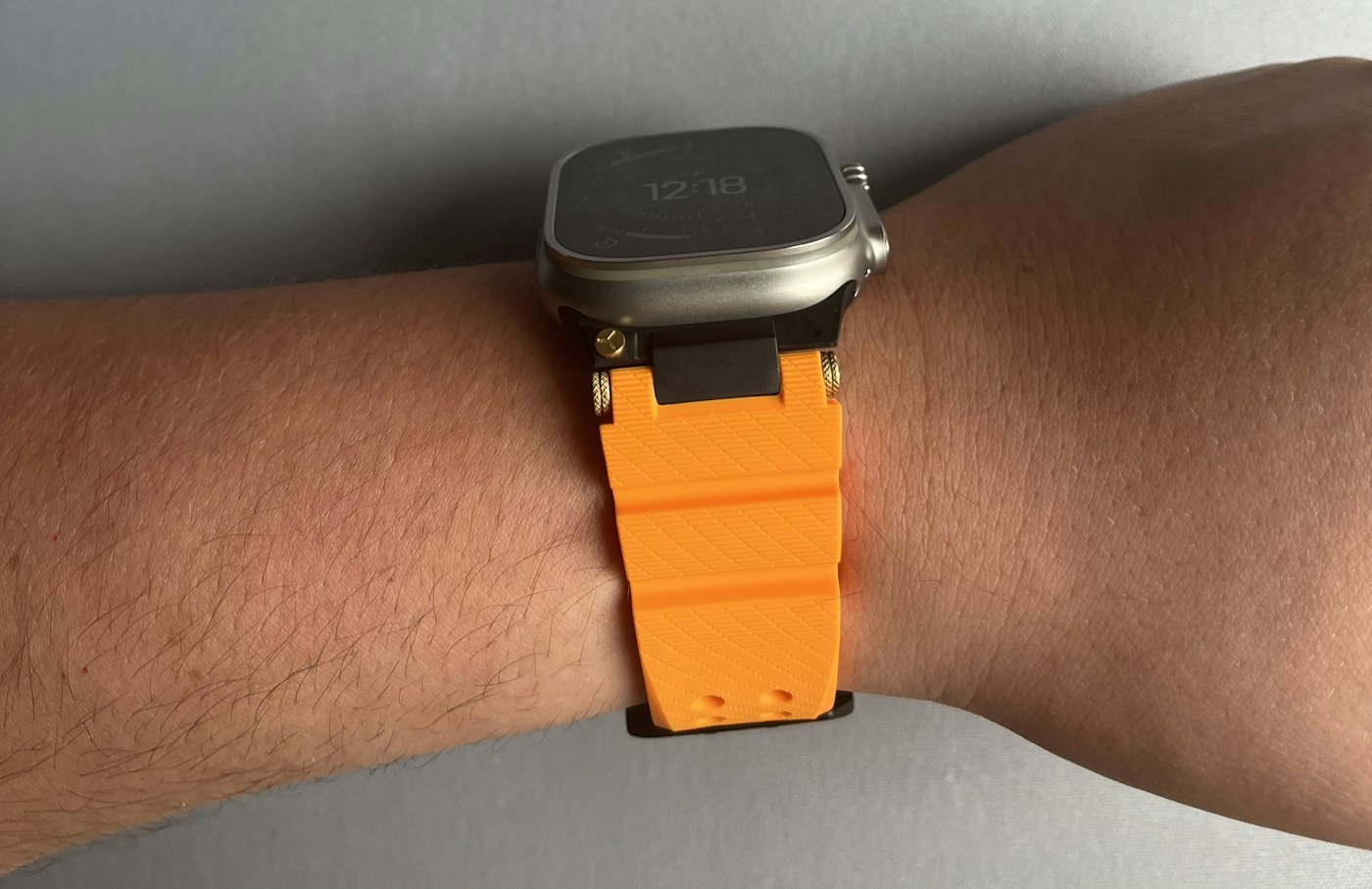
- Location sharing so family members can see where the wearer is on a map.
- Fall detection using motion sensors, with an automatic alert if a hard fall is followed by no movement.
- An SOS button that contacts caregivers or an emergency service.
- Basic vitals such as heart rate, activity, and sleep patterns.
- Geofencing that sends a notice when the wearer leaves or arrives at a chosen place.
- Medication or routine reminders delivered as a vibration or short message.
Be realistic about the health claims of cellular health bands. For a closer look at what wearable sensors can and cannot tell you, see what a smart ring tells you about health. Consumer sensors can spot trends, like a resting heart rate creeping up over weeks, but they are not medical devices unless they say so and carry the relevant approval. Treat the data as a prompt to ask questions, not as a diagnosis.
Who benefits most
Older adults who want independence are the clearest group. A band that can detect a fall and alert a family member offers reassurance to everyone. Children are another use case, particularly younger kids who are not ready for a full smartphone but need a way to be reached. If a child will be the wearer, our parent guide to kids’ smartwatches covers the extra questions. People with certain medical conditions, or those who sometimes become disoriented, may also gain from location features, though that decision should involve their doctor and, importantly, themselves.
Consent and dignity
The technical side of cellular health bands is easy compared to the human one. Tracking someone, even out of love, affects their sense of autonomy. A few principles help:
- Talk with the wearer before buying. Ideally let them choose the device.
- Agree on what is shared, with whom and when. Constant location access is not the same as an alert-only setup.
- Revisit the arrangement from time to time. Needs change, and so should the settings.
- For teenagers, consider whether a band is respectful or a trust problem in disguise.
Wearers who feel watched often stop wearing the device, and a band in a drawer protects nobody. A parent who sets up cellular health bands for a teenager without a conversation first is usually buying a very expensive argument.
Practical checks before buying
Battery life. Cellular radios drain power. A band that needs charging daily is easy to forget, especially for someone with memory issues. Look for multi-day battery life and a simple charging method, such as a magnetic dock.
Comfort and design. Skin sensitivity, wrist size and appearance all matter. A clunky device that looks like a medical tag may be rejected. Look for waterproofing, since people wear these in the shower.
Coverage. Ask which network the band uses and check coverage where the wearer lives, walks and travels. Weak coverage in a basement or rural road defeats the point.
Subscription terms. Work out the real yearly cost, including the plan, any caregiver app fees, and what features disappear if you cancel. Check whether you can pause service.
Emergency features. Find out exactly what the SOS button does. Does it call a family contact, a monitoring center or a local emergency number? Is there a two-way voice option? These details matter in a real emergency.
Privacy and security
A device that records location and health data is a sensitive thing to have in a company’s cloud. Read how long location history is kept, who in your family can see it, and whether the company shares data with third parties. Use a strong, unique password for the caregiver account and turn on two-step verification if offered. Remember that the app itself becomes a target: if someone gains access, they can see where a vulnerable person is.
Where cellular health bands are not enough
No wearable replaces human contact. A band can alert you after a fall, but it will not notice that your mother has stopped eating well or seems lonely. Pair the technology with regular calls, visits and neighbors who know to look in. Cellular health bands work best as one thread in a larger web of people. Think of the device as one layer in a care plan, along with a smoke detector, a medication organizer and a few people who check in.
Chosen thoughtfully and with the wearer’s blessing, a cellular health band can buy real peace of mind. Chosen in a hurry and imposed, it tends to end up on a shelf.



