
Every so often a prominent technology leader suggests that AI systems may need an emergency brake. The phrase sounds dramatic, but the idea behind AI safety brakes is ordinary engineering: if a system could cause harm, you want a dependable way to stop it. This article looks at what a brake could mean for AI, how safeguards work in practice, and where the real difficulties lie.
In this article
Why AI safety brakes keep coming up
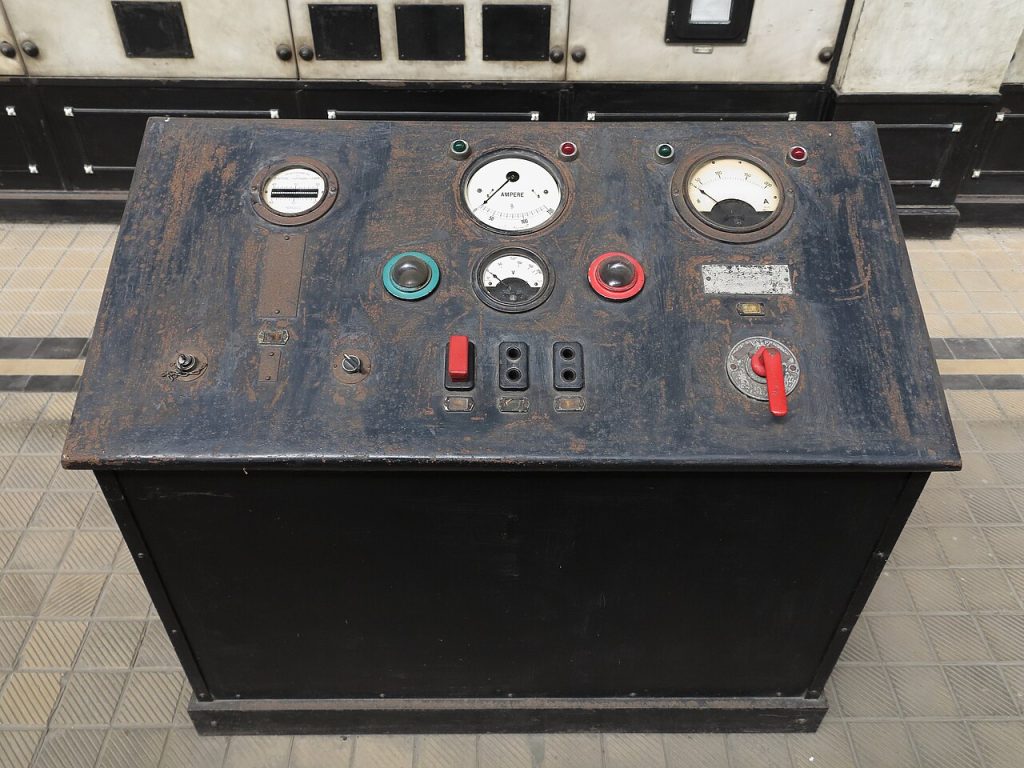
Most machines we rely on have a way to stop them. Trains have brakes, factories have emergency stop buttons, and electrical systems have breakers that trip before a wire melts. As AI grows more capable and spreads into more places, people reasonably ask what the equivalent is.
Today’s AI models are mainly software that produces text, images, code or decisions. On their own they do not act in the physical world. But they are increasingly connected to tools: sending emails, running code, moving money between accounts. The more authority a system has, the more it matters that someone can limit or stop it. That is the heart of the case for AI safety brakes.
It also helps to separate two ideas that often get mixed up: stopping a tool that misbehaves today, and the longer-term worry about much more powerful systems. Both use the language of AI safety brakes, but the practical steps differ, and it is easier to make progress on the first.
What AI safety brakes could actually look like
There is no single device called an AI brake. The phrase covers a range of practical measures, and most of them are dull in the best sense:
- Access controls, which limit what a system can see and do and require approval for sensitive actions.
- Rate limits and spending caps, which stop runaway loops that make thousands of calls or purchases.
- Monitoring, which watches outputs and behaviour for signs of misuse.
- Kill switches, which shut a model down or revoke its permissions quickly.
Good AI safety brakes work in layers, much like the safeguards in other fields. A kill switch is no use if nobody notices a problem, and monitoring is no use if nobody has the authority to act on what it finds.
Lessons for AI safety brakes from other fields
Safety engineering has a long history, and much of it transfers. Aircraft, power plants and medical devices all rely on redundancy, clear procedures and regular testing of the stop mechanisms themselves. A brake that has never been tried is a hope, not a control. Teams that take AI safety brakes seriously run drills, switching a system off on purpose to see how long it takes and what breaks.

The wider field is covered in the Wikipedia article on AI safety, which gives a neutral map of the topics researchers argue about. It is a good place to see that the discussion is far broader than any one slogan.
Where the difficulties lie
AI safety brakes sound simple, but several things make them harder than a stop button on a machine.

First, software can be copied. If a model is released openly, there may be no central point from which to switch it off. A company can shut down its own hosted service, but it cannot recall files that people have already downloaded.
Second, defining the trigger is hard. What counts as dangerous behaviour? A brake that fires too easily makes a product useless, and one that fires too rarely gives false comfort. People disagree about where the line sits, and the answer depends on what the system is allowed to do.
Third, systems are connected, which complicates any plan for AI safety brakes. A model might be one part of a chain that includes other software, other companies and human users. Stopping one link may not stop the whole process, and people can route around a restriction they find annoying.
Finally, there is a human problem, and it may be the biggest one for AI safety brakes in daily use. If a brake interrupts work too often, staff find ways to bypass it. Safety measures survive only if they are practical to live with. A good design makes the safe path the easy path, so nobody is tempted to go around it.
What AI safety brakes mean for ordinary users
You do not need to be a researcher to apply the thinking. If you want AI safety brakes in your own life, start here. If you let an AI tool act on your behalf, whether that is sending messages, editing files or spending money, ask a few plain questions. What is the worst it can do? Can I limit its permissions? Can I see a log of what it did? How do I turn it off?
Our article on AI agents going wrong walks through concrete examples of tools that took actions nobody intended, and what simple safeguards would have caught them. Another useful read is about non-human identity security, which explains why software accounts need the same careful permissions as people.
For companies, the practical rule is to start small. Give a new system narrow permissions, watch what it does, and widen them only when it has earned trust. Keep a person in the loop for anything that cannot be undone, such as deleting records or sending money.
Whether or not the phrase is used, the principle is sound: build the stop mechanism before you need it, test it often, and make sure someone is responsible for using it. Nothing about that is mysterious. It is the same discipline that makes trains, factories and power grids safe enough to rely on, applied to a newer kind of machine.



