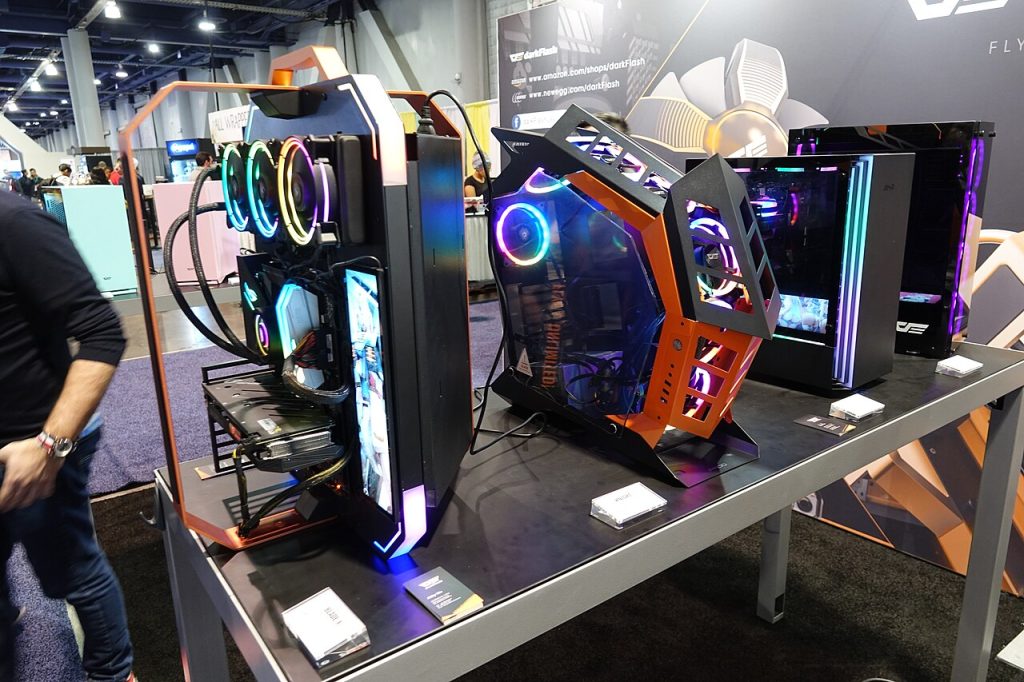
There is a particular kind of mobile game that makes you wish you had a bigger screen. Strategy titles with tiny buttons, role-playing games with long sessions, anything where your thumbs cover half the action. Playing Android games on PC is no longer a hack that needs emulators of doubtful origin. Official versions on desktop stores, built on Android software, have turned it into an ordinary option.
It sounds like a simple port. In practice, a few things shift once a game moves from your pocket to your desk.
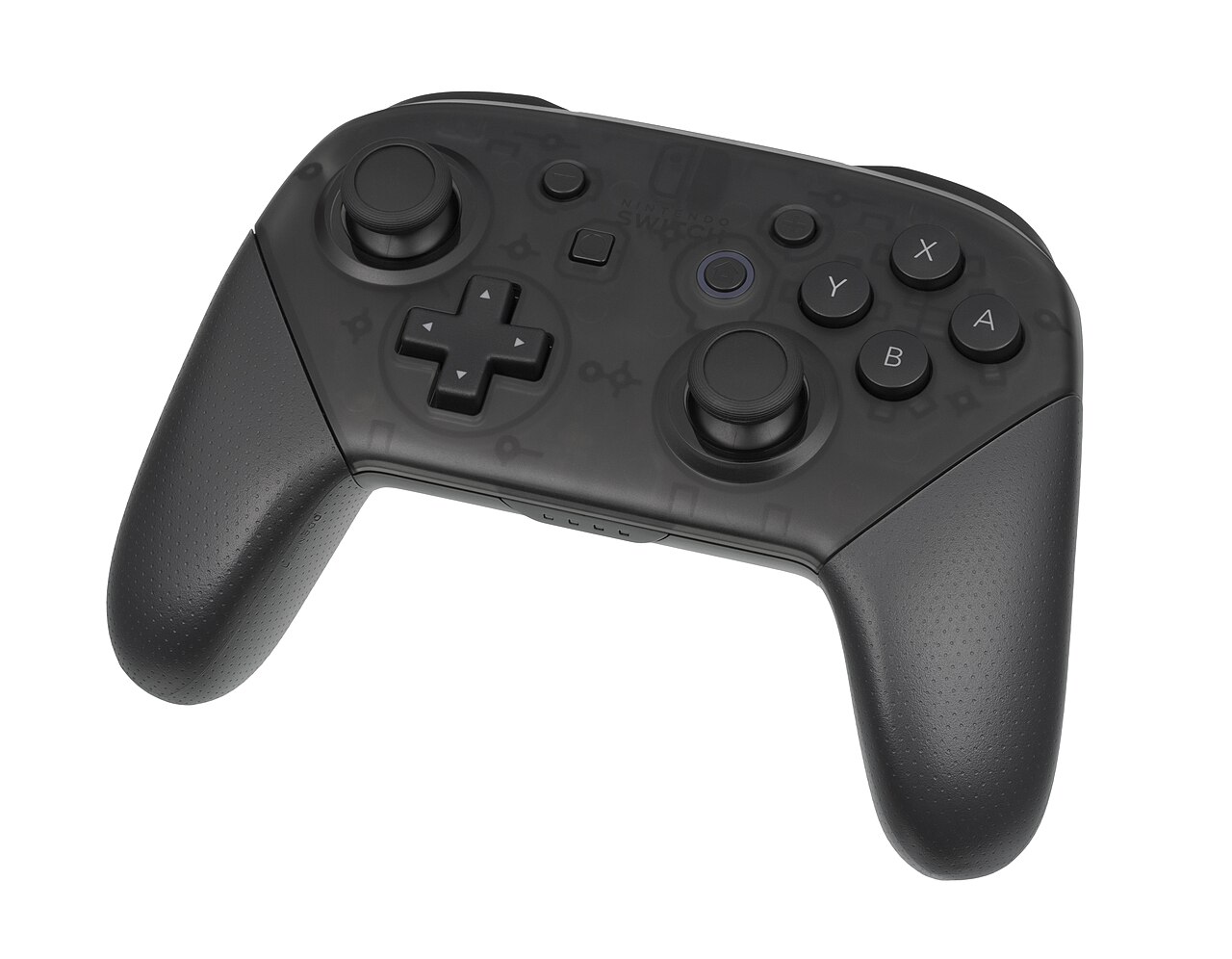
Controls change the most with Android games on PC
Touch interfaces are designed around taps, swipes and pinches. Moving to a keyboard and mouse means that every one of those inputs needs a sensible replacement. Good ports map taps to clicks and add keyboard shortcuts, camera control with the mouse and controller support. Careless ones simply treat the mouse as a fake finger, which feels clumsy. A tower defense game is a good example: placing units with a mouse is quicker and more precise than with a thumb, while a game that asks you to tilt the phone has no sensible desktop equivalent.
Before you commit time to Android games on PC, check whether it supports your preferred input. Controller support makes many action and racing games far more comfortable. Strategy and card games usually benefit from a mouse. Rhythm games that depend on touch precision can feel strange without a touchscreen.
Performance and graphics on a bigger screen
Phones are efficient but constrained. A PC can usually render at higher resolution and frame rates, and some games offer extra graphics options when they arrive on desktop. That said, a mobile game with simple art simply looks sharper, not dramatically different. Do not expect console-grade visuals from something built for a five-inch screen.
Also consider battery and heat. On a laptop, playing a demanding game unplugged will drain the battery fast. Gamers who enjoy long sessions often find the desktop version more comfortable precisely because they don’t have to worry about a hot phone.
Progress, accounts and purchases for Android games on PC
This is where it pays to read the fine print. Some games sync progress through a platform account, so you can pick up on your phone where you left off on the PC. Others keep separate saves per device. Before you spend serious time, confirm how your progress is stored.
Purchases deserve the same attention, especially for families, as the guide to kids, virtual currency and gambling sites makes clear.
- Check whether items you bought on your phone carry over to the PC version.
- See which store handles billing, and whether refunds follow its policy or the other platform’s.
- Be careful with free-to-play titles whose in-app purchases are easier to tap at a desktop checkout than you might expect.
- Watch for different pricing or bundles between platforms.
Why platform holders want Android games on PC
For the companies running app stores, Android games on PC widen the audience and the time spent on their platform. For developers, it opens another market with minimal extra work, particularly for games already built on common engines. Players who already own a capable PC are a valuable audience: they tend to play longer, and a share of them spend more.
Newer features often come along with these releases. The same pull toward community is why apps keep acquiring social layers, a pattern explored in when music streaming becomes a social network. Some stores now offer game trials that let you try a game before paying, and developer-run community feeds that collect news and updates. Trials are especially welcome for paid games, since mobile pricing has long made it hard to know what you are buying before you pay.
Are Android games on PC right for you?
A short test helps decide.
Games that gain the most
Long-form strategy, management and role-playing games gain from a larger display, precise pointer input and the ability to multitask with a guide open on another window.
Games that gain little
Quick pick-up-and-play puzzles, games using gyroscope or camera features, and anything that depends on being on the go. If you mostly play in short bursts on the bus, a PC port won’t change your habits.
Games with competitive issues
In multiplayer titles, mixed-platform matchmaking can raise fairness concerns. A mouse can offer an aiming edge over touch. Developers handle this differently, with separate queues or input-based matching, so look at how a specific game does it.
Practical tips for Android games on PC
Check minimum system requirements, since a laptop that handles a spreadsheet may struggle with a demanding strategy title, since not every older laptop will run these games well. Storage matters too: a big role-playing game plus its updates can take surprising room. Keep your drivers up to date. Use official stores rather than unofficial downloads, which can carry malware or break terms of service and risk your account. And try a free trial or the free version first if one exists.
The best outcome of this trend is not simply more places to play Android games on PC. It’s that developers start thinking of a game as something that moves between screens without losing its feel, and that players stop having to choose one device for everything they love.
Image: Notdjey / Wikimedia Commons, CC BY 2.0.