
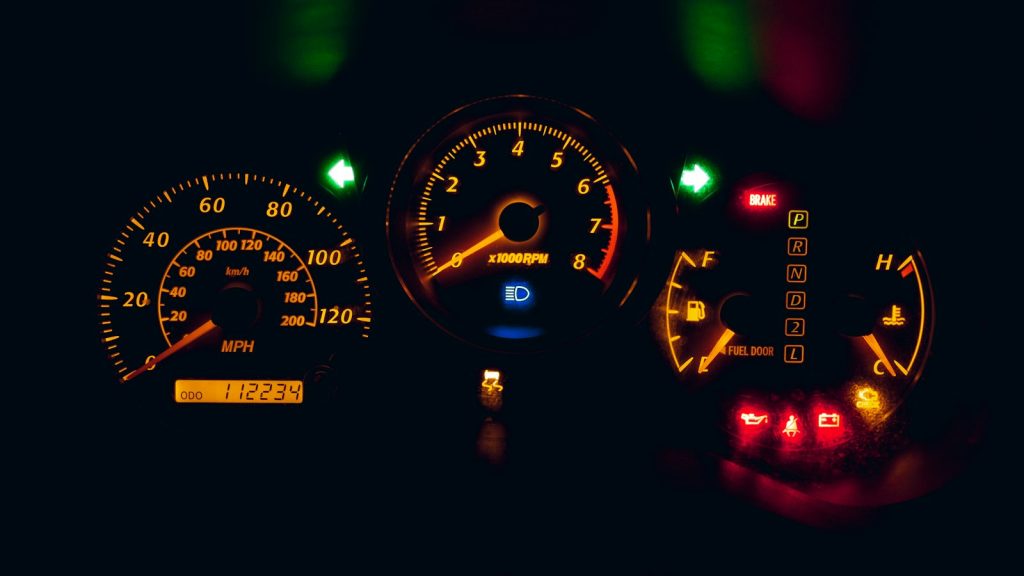
Almost every car has a speedometer, so a speed readout inside a navigation app might sound redundant. Anyone who has driven a rental car abroad, or squinted at a dashboard in kilometers when the road signs show miles, knows why a navigation app speedometer appeals. Speed, posted limit and route sit together, so one glance gives three pieces of information instead of a hunt across the dashboard.
Here is how these features work, how far to trust them, and a few tips to make them useful rather than distracting.
Where the two numbers come from
Your speed comes from GPS. Your phone receives signals from satellites, works out its position several times per second, and infers speed from how quickly that position changes. Some apps blend GPS with motion sensors to smooth the result.
The speed limit is a different matter. It does not come from your phone but from map data. Mapping companies gather limits from government sources, street-level imagery, vehicle movement traces and user corrections, then attach a number to each road segment.
That difference is the key to understanding the feature. One number is measured live; the other is looked up from a database that someone has to keep current. A navigation app speedometer therefore mixes a very reliable value with a less reliable one, and the screen does not say which is which. For a quick primer on the first, read about the Global Positioning System.
How accurate is a navigation app speedometer?
GPS speed is generally good on open roads, often more precise than a car’s built-in gauge. Many manufacturers calibrate dashboards to read slightly high so they never under-report, which is why your car and your phone can differ by a small amount. Your phone may drift in tunnels, between tall buildings and in parking structures, where signals weaken or bounce.
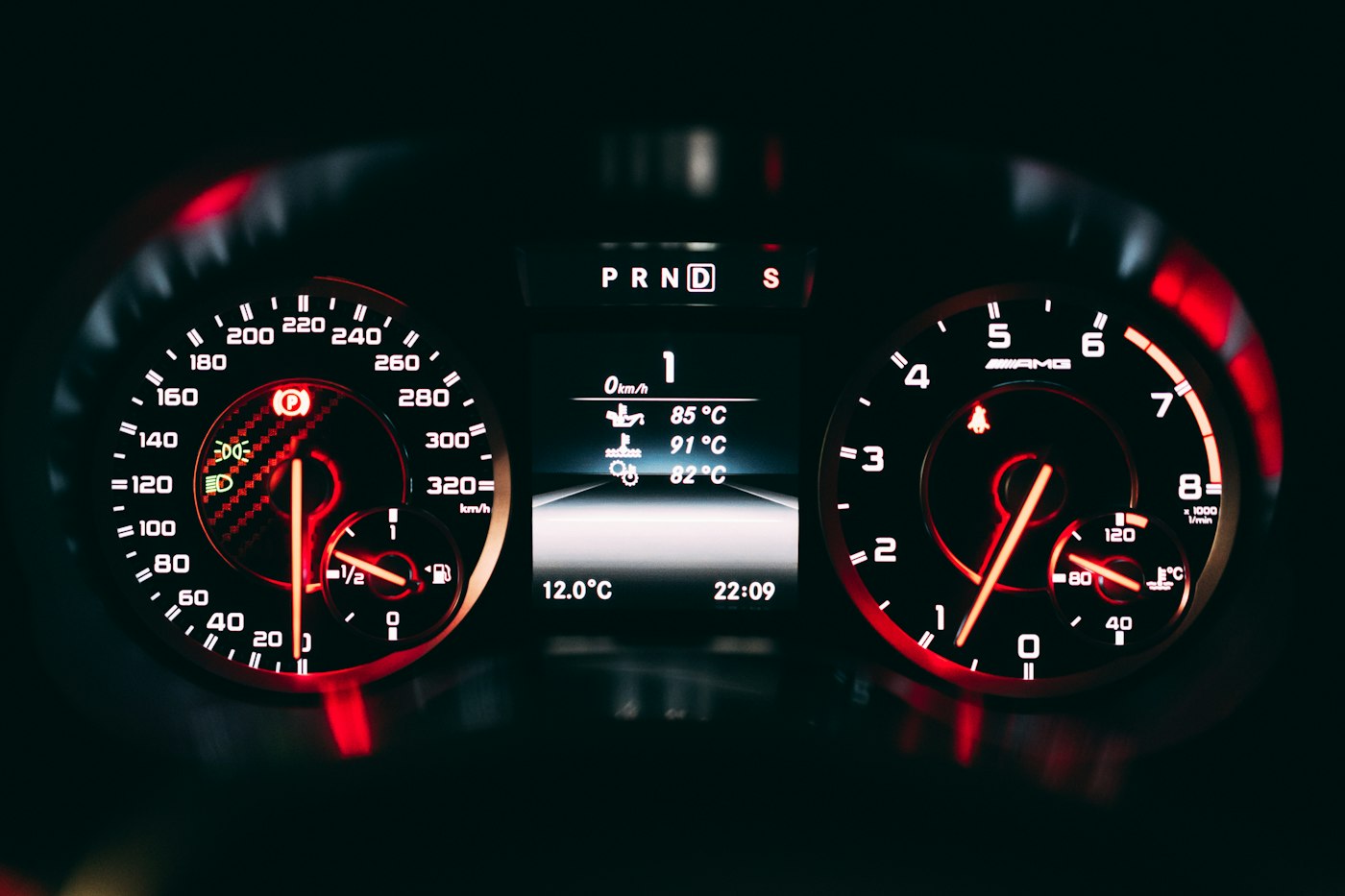
Limit data is less dependable. Reasons include limits that change by time of day, such as school zones, temporary limits at roadworks, roads where the limit was changed recently, and rural stretches with no official data at all. Variable limits on motorways and smart signs are especially hard to capture. Treat the displayed limit as a helpful hint, not an instruction.
The sign beside the road is the legal authority. If the app and the sign disagree, the sign wins, every time.
Getting value from the readout
Used well, the feature does real good. It helps you stay near the limit in unfamiliar places, avoid accidental speeding on long, empty roads where speed creeps up, and notice when a limit drops as you enter a town. Drivers in places that use different units from their home country find a navigation app speedometer particularly useful, since it can be set to either miles or kilometers per hour.
Some tips:
- Place the phone in a stable mount at eye level, never in your hand.
- Set up the route and the display before you move.
- Choose the units you are comfortable with.
- Use audio alerts if offered, and keep the volume moderate.
- Report wrong limits when you are safely parked, since corrections improve the map for everyone.
If you like apps that adapt to how you move, you may enjoy our look at running to the beat with music tempo, which also relies on motion data from your phone.
Privacy and battery questions
A navigation app speedometer needs continuous location, which has two consequences. Battery drain rises because the screen and GPS are both active, so keep a charger in the car. And location history can be stored, so look at your settings to see what the app keeps and for how long. Some services let you pause history or delete it. If you share your live position with friends, review that too, as we explain in how social map location sharing works.
Insurance is a related point. Some insurers offer discounts for driving data collected by an app or a plug-in device. That is a separate product, and you should read what it collects before agreeing.
A quick example of the mismatch
Picture a road where the limit was lowered last year after a new school opened. The map company may not have caught the change yet, so your navigation app speedometer still shows the old number in green while the sign says something lower. Nothing is broken; the data is simply behind. This is the most common reason drivers distrust the feature, and it is also why reporting corrections matters.
Safety comes first
Any screen in a car is a distraction, and a readout is no exception. Glance, do not stare. If you catch yourself checking the number constantly, switch the display off and rely on the dashboard. A navigation app speedometer is a convenience, not a substitute for watching the road, reading signs and adapting to conditions. A posted limit is a maximum in good conditions, not a target in rain or heavy traffic.
It also helps to know the rules where you drive. In some places, laws limit how a phone may be used in a vehicle, including mounting positions. Check the local rules before you rely on any app, particularly when traveling.
In short, trust the speed, double-check the limit, and keep your eyes up. Used with those three habits, a navigation app speedometer is a small feature that quietly takes some stress out of driving in a place you do not know.



