
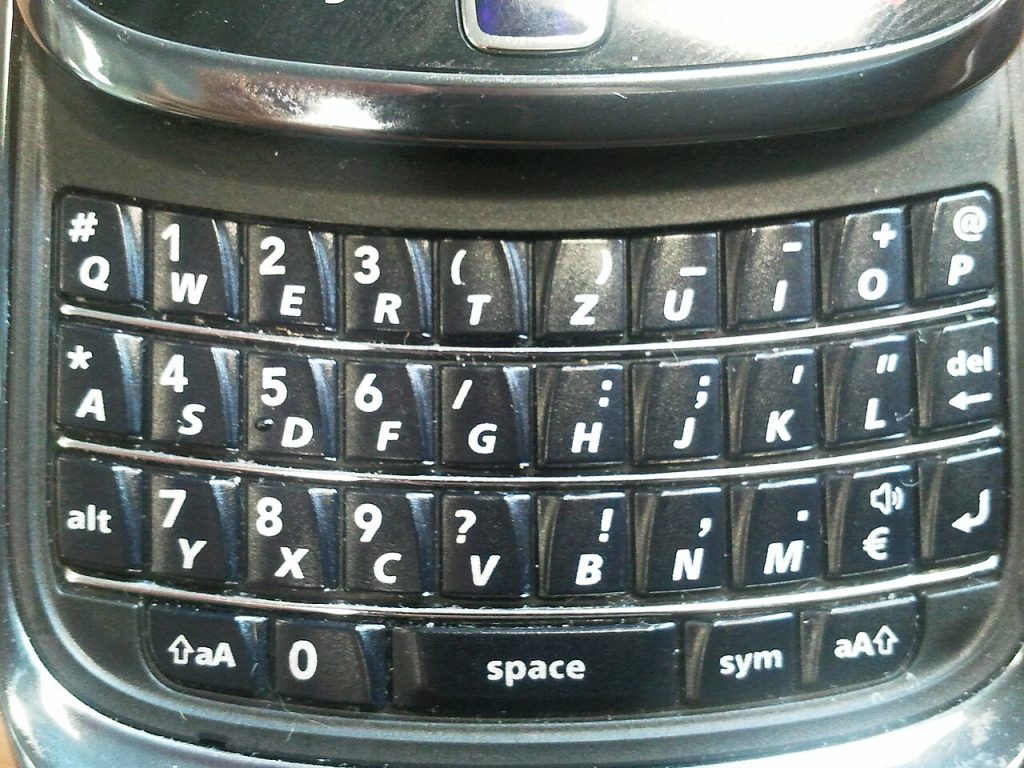
For a while it seemed that touchscreens had won. Then a few small companies began showing prototypes of phones with physical keyboards, aiming at people who miss the click of real keys. Early hands-on impressions of these devices tend to reveal the same mix of nostalgia and practical questions. If you are curious about a keyboard phone, whether a new model or a used classic, this guide will help you decide.
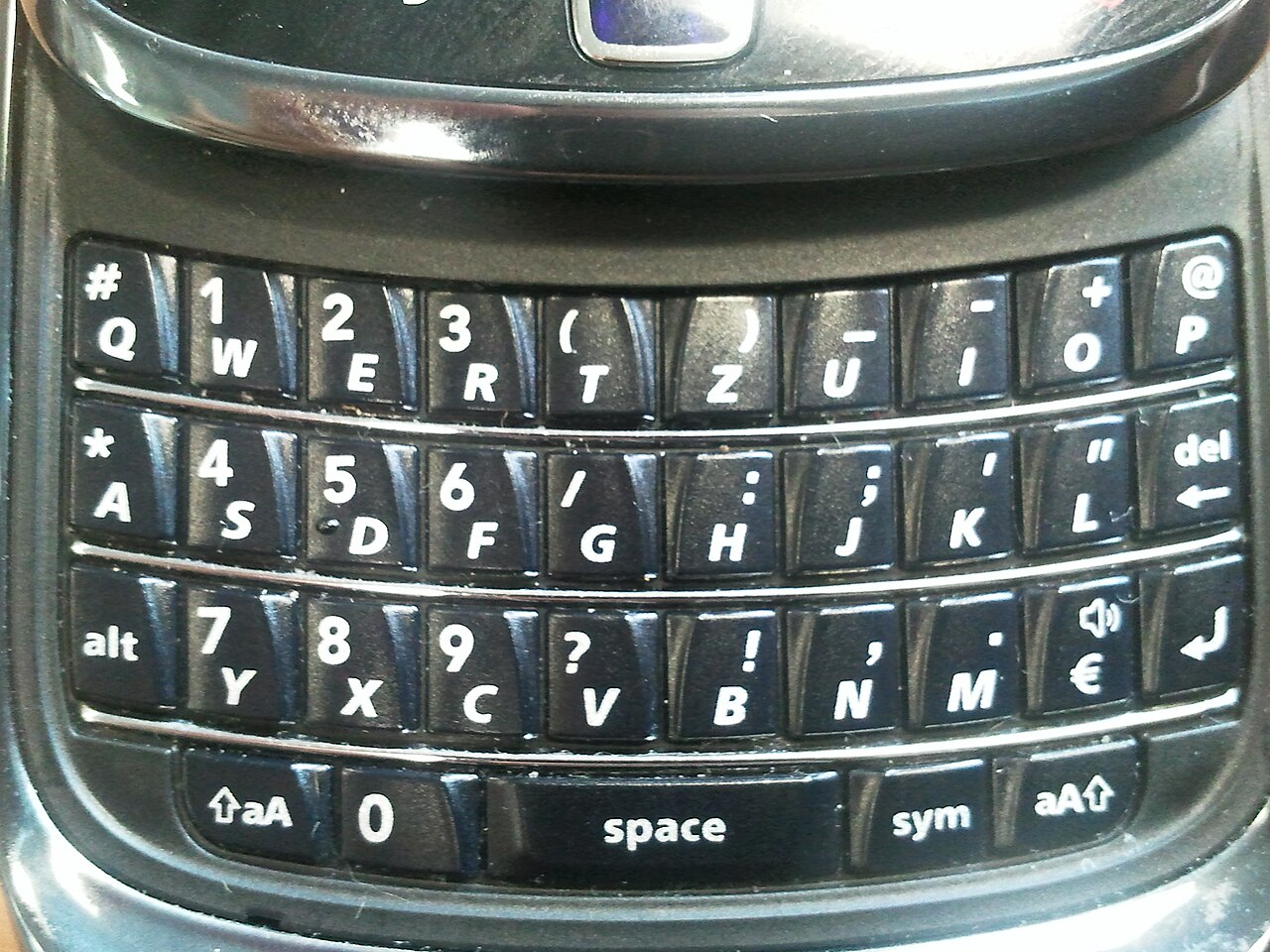
Why people want a keyboard
Fans of physical keyboards give several reasons.
- Typing accuracy. Keys you can feel reduce mistakes for some people, especially with larger fingers.
- Speed for heavy typists. Those who write long emails or messages report faster typing after practice.
- Full screen. With no on-screen keyboard, the whole display shows content.
- Shortcuts. Many keyboard phones let you press a key to launch an app or action.
- Focus. A device that feels different from the usual slab can encourage more deliberate use.
- Feel. Some people simply enjoy the tactile experience.
The design trade-offs
A keyboard takes space. Designs handle this in different ways.
1. Wide screen above a keyboard. Keeps a normal phone width but makes the phone taller or the screen shorter. 2. Small square or short screens. Leave room for keys but can make video and websites awkward. 3. Slide-out keyboards. Hide keys when not needed, adding moving parts and thickness. 4. Case-style accessories. Add a keyboard to an existing phone, often the cheapest way to try the idea.
Think about how you use your phone. If you watch lots of video or read on the web, a smaller screen may bother you.
What to check before buying
- Keyboard layout and key feel. Check key size, spacing, and travel. Try to test in person.
- Screen size and quality. Make sure text and images appear sharp and large enough.
- Software. Most new models run mainstream mobile operating systems with access to common apps. Verify that apps you rely on run well on the shape of the screen.
- Updates. Small companies may promise fewer years of security updates than large makers. Ask for a written support period.
- Camera and battery. Compact phones can compromise on one or both. Read reviews.
- Network bands. Confirm compatibility with carriers in your country.
- Repair and warranty. Find out how to get service.
- Price. Boutique devices often cost as much as mainstream flagships while offering fewer specs.
Who is likely to be happy
- People who type long messages all day.
- Writers and professionals who value quick edits.
- Fans of the old keyboard phones who want a modern version.
- Users who want a distinct, less distracting device.
Who might be disappointed
- Heavy video watchers and gamers.
- Those who rely on the best possible camera.
- Buyers who expect the polish of a big brand.
- Anyone who would rather swipe-type on a large screen.
Tips for adjusting
1. Give yourself two weeks to build muscle memory. 2. Learn the shortcut keys and set the ones you will use. 3. Customise the haptic or key backlight to suit your habits. 4. Use voice dictation as a complement for long text. 5. Keep your data backed up, since small makers may be less established.
The business side
Reviving a niche product is risky. Production runs are small, supply chains are demanding, and a company needs strong preorders to survive. Early buyers should be comfortable with the chance that delays or changes will occur, and should avoid paying large deposits too early if they cannot afford to lose them. Look at the company’s track record and any refund policy.
Alternatives
If you only want better typing, try a larger phone with a good keyboard app and swipe typing, or a Bluetooth keyboard for long sessions. Some used classic keyboard phones are still available, though old models lack current software and security updates, so use them with care.
Bottom line
Keyboard smartphones suit people who prize typing feel and focus over screen size and camera quality. Check the keyboard, the screen, software support, and the company’s reliability before you commit. If the idea appeals to you, a short trial or a keyboard accessory can show whether you would enjoy living with keys.
A first week with a keyboard phone
Plan to type a few long messages each day for the first week, even if it feels slow. Turn off auto-correct while you learn the layout so you notice mistakes honestly, then turn it back on. Keep your usual phone nearby for the first few days for comparison. By the end of the week you will know whether the keys help you or whether you miss the large screen more than expected.
Further reading
Related on this site: Chrome OS in Hindsight: What the First Cloud Laptops Got Right and Buying a Tablet With a Built-In Voice Assistant: A Checklist. For general background, see the Wikipedia overview.



