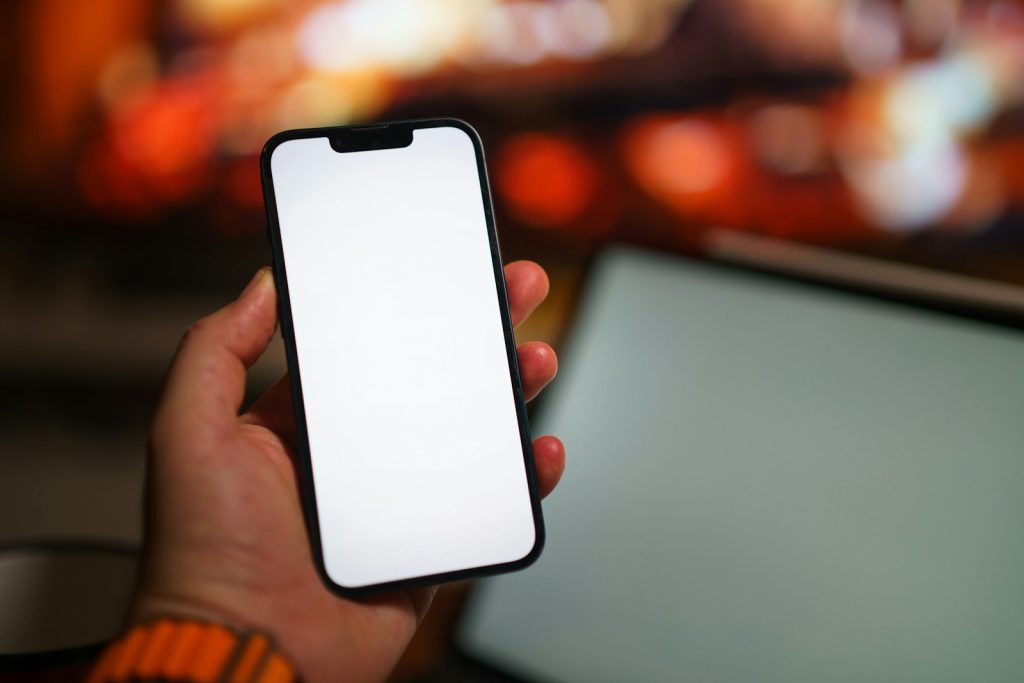
Some apps ask you to open them again and again. Others do something sneakier: they put a friend’s latest photo right on your phone’s home screen, where you will see it a hundred times a day without launching anything. That is the idea behind a homescreen photo widget, and it explains why Locket-style apps feel so personal. Here is how they work and what to think about before joining one.
The basic idea
You add a small friends list. Whenever one of them snaps a photo in the app, it appears in a widget on your screen. You glance at your phone and there is your sister’s dinner, your friend’s dog, or a blurry selfie from a train. No feed, no likes counter, no endless scrolling. Just one picture at a time, from people you picked.
That simplicity is the appeal of a homescreen photo widget. Large social networks offer broad reach but a lot of noise. A small circle with a single glanceable surface feels closer to getting a postcard.
What happens behind the scenes
A widget is a mini-view that the phone’s operating system lets an app place on the home or lock screen. It cannot run freely. The system gives it limited chances to refresh, mostly to protect battery life. Here is the typical path a photo takes.
- You take a picture inside the app and choose who gets it.
- The app uploads the image to the company’s servers.
- The servers notify your friends’ phones that something new is available.
- Each phone downloads the image and asks the system to refresh the widget.
- The widget shows the new photo, replacing the previous one.
Delays in a homescreen photo widget sometimes happen because the operating system decides when a widget may refresh. That is why a picture can show up a few moments late, even on a fast connection.

Why a homescreen photo widget feels different
Scrolling through a feed is something you do. A widget is something that happens to you. The picture is simply there, which makes the experience calmer, but also more persistent. Researchers and designers often point out that small, frequent, low-effort contact can strengthen close relationships more than occasional big updates. You do not need to write a caption or think of a reply.
For a similar look at why some apps become habits and others vanish, see why private friend-group apps keep catching on.
Privacy questions to ask
Because photos are personal, treat this kind of app with the same care as any messaging service.
- Who can see what? Check whether only people you approve can send or view photos.
- Where are images stored, and for how long? Look for a retention policy in the settings or help pages.
- What about screenshots? A widget does not stop a friend from saving or sharing your picture.
- Lock screen exposure. If the widget sits on your lock screen, anyone holding your phone may see it. Review the phone’s settings for hiding content when locked.
- Account safety. Use a strong password and two-step verification if offered.
Be thoughtful about contact syncing too. Many apps suggest friends by reading your address book, which means uploading your contacts’ details. You can usually decline.
Using a homescreen photo widget well
A few habits keep a homescreen photo widget fun rather than draining.
- Keep the friend list small. Ten people you love beat a hundred acquaintances.
- Do not share anything you would regret seeing on a stranger’s screen.
- Mute or remove people when the feed stops feeling good.
- Be careful with children’s photos and with images showing a home address or school uniform.
Also check notifications. Constant alerts can turn a gentle idea into another demand on your attention, so set them to a level you can live with.
It is worth thinking about what a homescreen photo widget does to a friendship over time. A text asks for an answer. A widget asks for nothing. You see a photo, smile, and maybe reply later, or never. That lack of pressure is exactly why some people prefer a homescreen photo widget to a group chat, which can feel like an obligation. Others find the opposite: because the picture is always there, they feel they should respond. Neither reaction is wrong. Pay attention to how you feel after a week and adjust.
Think about the practical side as well. A homescreen photo widget uses a little battery and data each time it refreshes, and storing old photos on your device takes space. If you notice the phone slowing down or the battery draining, check how often the app refreshes in the background and whether you can limit it. Small settings changes usually fix it.
How these apps make money
Most start free, so it is fair to ask what the business plan is. Possible routes include optional paid tiers, extra features such as photo history, or advertising and partnerships later on. Be skeptical of any app that offers a lot and shows no way of earning revenue. For more on the topic, our piece on what users should check when an app changes owners is worth bookmarking, since small apps are often bought.
If you want background on the interface element itself, the page on software widgets gives a quick overview. In the end, a homescreen photo widget is a modest idea executed well: a small window onto the people you care about, one picture at a time.