

Over a short period, AI coding assistants have gone from a curiosity to a normal part of many developers’ toolkit. Startups building them have raised large sums, and big companies bundle similar features into their editors. If you write code, you will probably be offered one soon, or already have been. This article explains how these tools work, where they genuinely save time, and where they cause trouble.
How they work
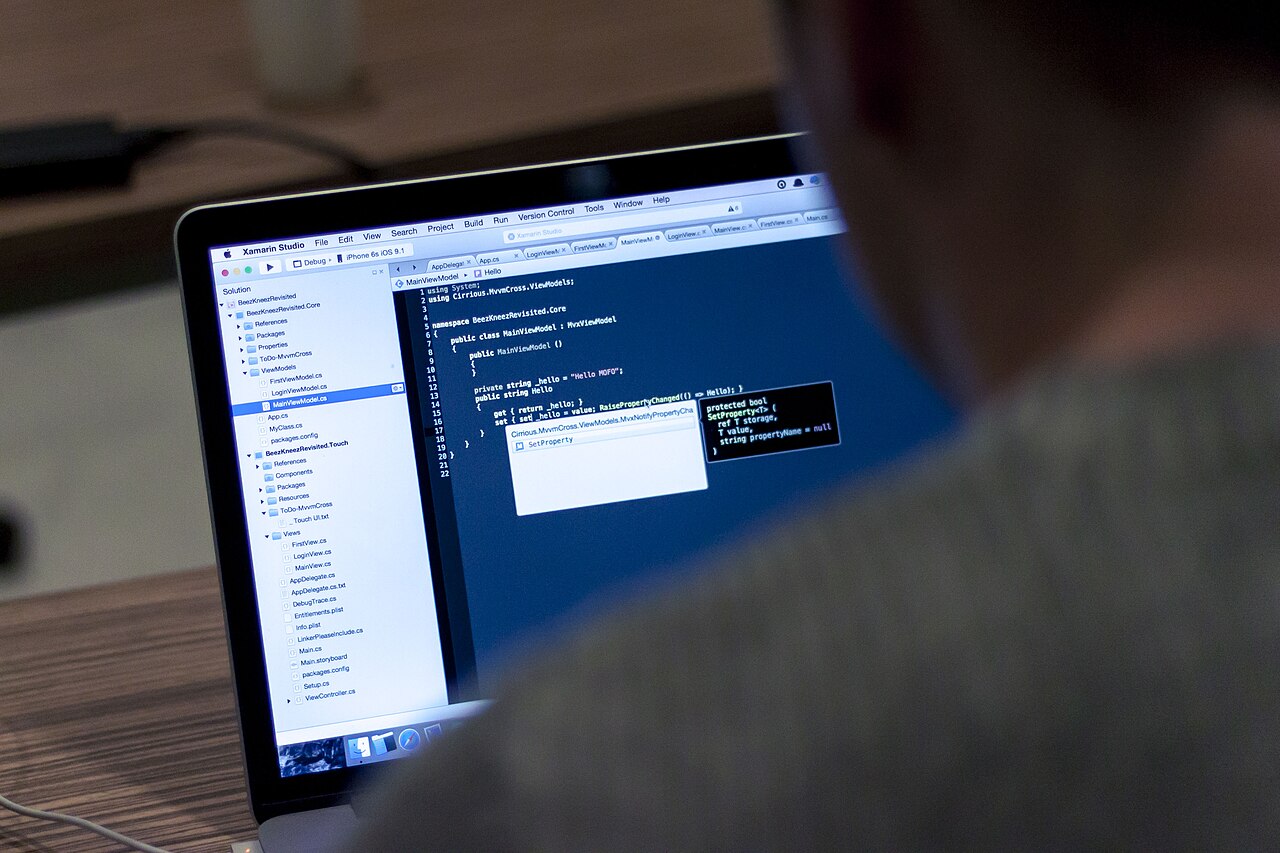
A coding assistant is built on a large language model trained on a mix of text and code. It has learned patterns: how a function that reads a file usually looks, how a test is typically structured, how a common library is called. When you type, the tool sends the surrounding code, and sometimes other files, to the model, which predicts what is likely to come next.
Features commonly include:
- Autocomplete. Suggestions for the next line or block as you type.
- Chat. Ask a question about your code and get an explanation or a proposed change.
- Edits across files. Describe a change, and the tool proposes modifications in several places.
- Test and documentation drafting. Generate unit tests or comments from existing code.
- Agent modes. The tool runs commands, reads errors, and tries fixes in a loop under your supervision.
Where they help
They are strongest on routine work. Boilerplate, data conversions, simple scripts, regular expressions, and test scaffolding are tasks where the right answer is common and easy to check. They also help when you learn a new language or library, since they can show an example of an unfamiliar pattern in seconds.
For reading, they can summarise an unfamiliar file or explain a confusing error message, which saves time during onboarding.
Where they mislead
- Confident mistakes. The model can write code that looks right and fails on edge cases or calls a function that does not exist.
- Outdated advice. Training data has a cut-off date, so the suggestions may use old versions of libraries.
- Security flaws. Generated code may skip input validation or use weak defaults.
- Context limits. The tool might not see the part of your codebase that makes its suggestion wrong.
- Licensing questions. Some organisations worry about code that resembles open-source material, and they set rules on how generated code may be used.
Habits that keep you safe
1. Read every suggestion. Treat it as code from a junior colleague. You are responsible for what you commit. 2. Run the tests. Use a good test suite, and write tests before accepting large changes. 3. Keep changes small. Review small diffs. Big, multi-file edits are harder to verify. 4. Protect secrets. Do not paste passwords, keys, or private customer data into a chat. Check where your tool sends code and whether it is stored. 5. Use version control. Commit often so you can undo a bad change quickly. 6. Review security-sensitive code by hand. Authentication, payments, and file handling deserve extra attention.
Choosing a tool
Ask a few practical questions.
- Which editors and languages does it support well?
- Can your company set rules for data handling, such as no training on your code?
- Does it work on your repository size without delays?
- What does it cost per seat, and are there usage limits?
- Can you control which files it reads?
Try two tools on a real task for a week, then compare the time you spent fixing their mistakes with the time saved.
What it means for careers
These tools shift where effort goes. Typing speed matters less, while the ability to specify a problem, read code critically, and design a system matters more. Beginners should still learn fundamentals, because you cannot judge a suggestion without understanding what it does. Teams may see a boost in output, but also a need for stronger review practices.
For managers
Measure outcomes, such as cycle time and defect rates, rather than lines of code produced. Provide guidance on acceptable use, and make sure junior staff still get mentoring and are not just copying output they cannot explain.
Bottom line
AI coding assistants are useful accelerators for routine work and learning. They are not reliable authors of finished systems. Keep a critical eye, test thoroughly, protect sensitive data, and treat the tool as a helper that drafts while you decide.
Further reading
Related on this site: Stealth AI Models: Why Labs Test Anonymous Models in Public and Why AI Labs Keep Hiring Each Other’s Researchers. For general background, see the Wikipedia overview.



